|
| Copyright © Cloud Software Group, Inc. All Rights Reserved |

1. In the left panel of TIBCO Administrator, expand the PortalBuilder Deployments folder (under Application Management), and click on the PortalBuilder package.
2. In the right panel, click on Configuration.
3. In the Configuration screen, click on PortalBuilder at the top of the left pane to go to the Edit Application Configuration screen for your PortalBuilder deployment.
4. Click on the Deployment Options tab.
5. Select the checkbox for Force execution of all deployment tasks for deployable services.
6. Click Save to return to the Configuration Builder for PortalBuilder.
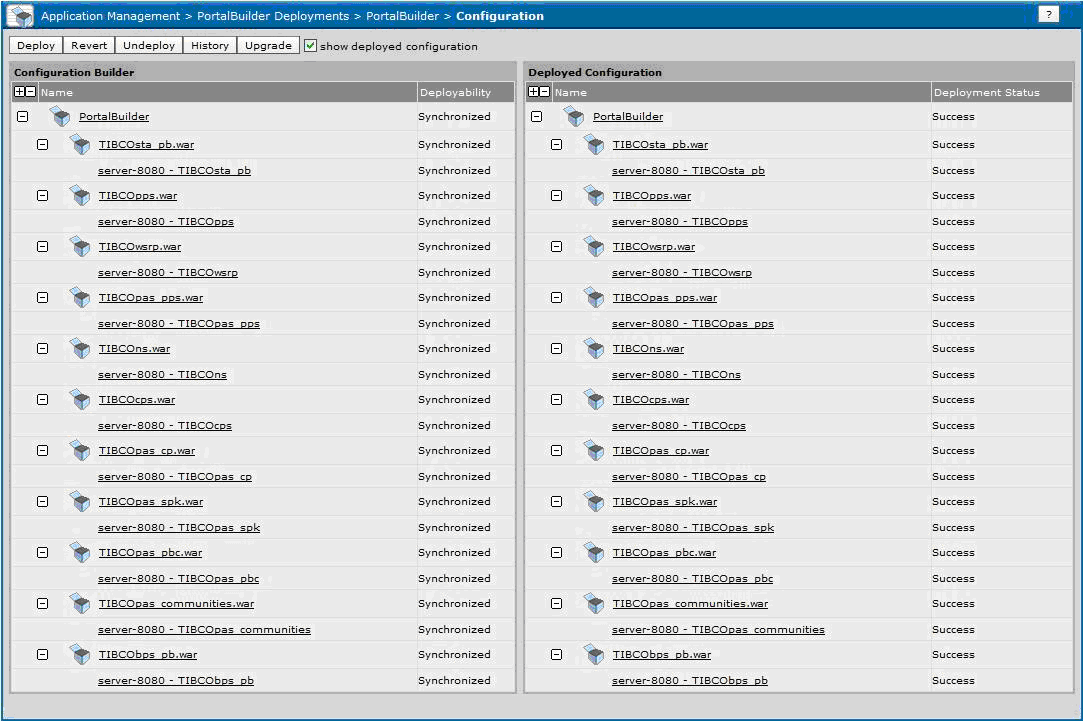
7. This will take a while, and will include the shutdown and restart of the Apache Tomcat server. A successful redeployment will result with a value of Success for each service instance in the Deployed Configuration panel, as shown in Figure 73.
|
| Copyright © Cloud Software Group, Inc. All Rights Reserved |