Copyright © Cloud Software Group, Inc. All Rights Reserved


Chapter 6 Designing Formflows : Setting Formflow Preferences

Setting Formflow Preferences
To Set Formflow-Related Preferences
1.
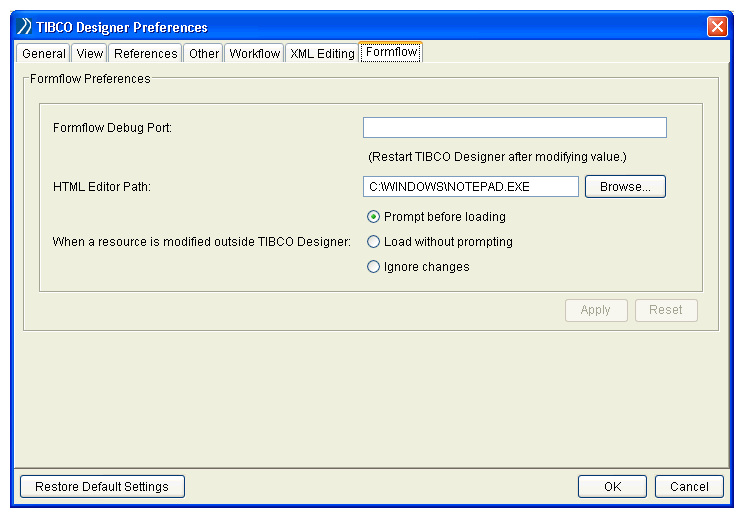
In TIBCO Designer, select Edit>Preferences and click the Formflow tab.
Figure 43 Set Formflow-Related Preferences
2.
Formflow Debug Port
The path to third-party HTML editor software. This editor can be invoked in TIBCO Designer to modify custom layout templates, custom control templates, and stylesheets in a Form Resource Store.
Action for modified resources
The options are to prompt every time a change is detected, to reload the modified resource without prompting, or to ignore changes, which allows you to revert to the previous version.
3.
Click Apply. To revert dialog changes, you can restore the default preference values by clicking Restore Default Settings.

Copyright © Cloud Software Group, Inc. All Rights Reserved