|
|
| Copyright © Cloud Software Group, Inc. All Rights Reserved |
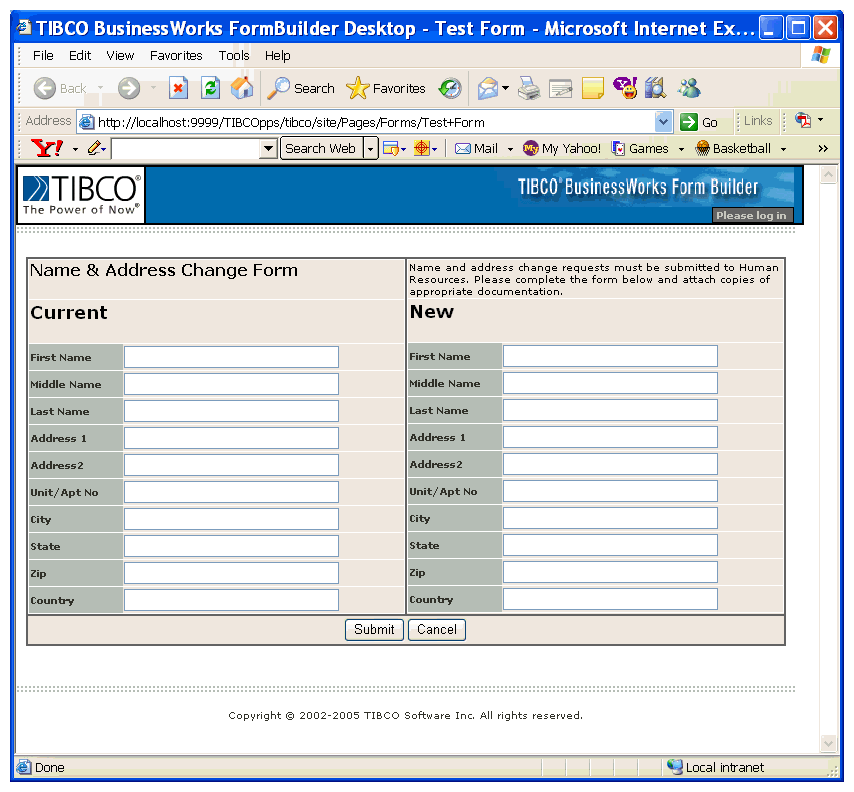
The HTML template used to display a form in TIBCO Designer provides only a basic outline of the form. For example, since no stylesheet is used, font, background colors, and spacing settings are not visible. To view an accurate representation of the form as it appears in a browser, you can use the form preview feature.Figure 6 Form at RuntimeAction controls, such as Submit button, URL Submit, and Image Submit, are not active when previewing forms. However, when the formflow is run in the Tester utility, the buttons are active.
|
|
| Copyright © Cloud Software Group, Inc. All Rights Reserved |