|
| Copyright © Cloud Software Group, Inc. All Rights Reserved |
1. If you want to see this form in the appropriate language, make sure to select it in your web browser. The language in which you have chosen to display the form must be on top of the list of languages used by your web browser.For example, if you use Internet Explorer select Tools>Internet Options>Languages and then make sure that Italian is on top of the list.
2. Select the form you have localized in the project panel, and click on the Tester buttonto test the form.
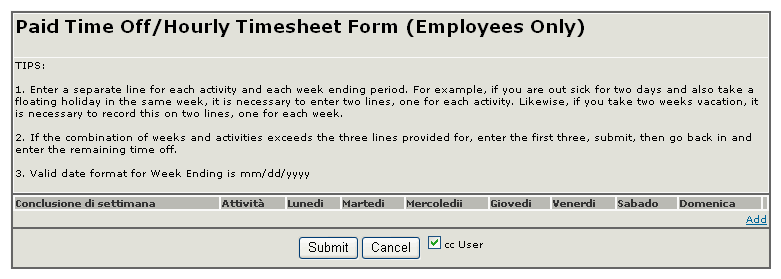
If your language preferences in the web browser are set to Italian, the form should look such as the following:As you can see, all captions that you translated in Italian appear in that language, and the non-translated captions are still in English.
|
| Copyright © Cloud Software Group, Inc. All Rights Reserved |