Validation Highlighter View
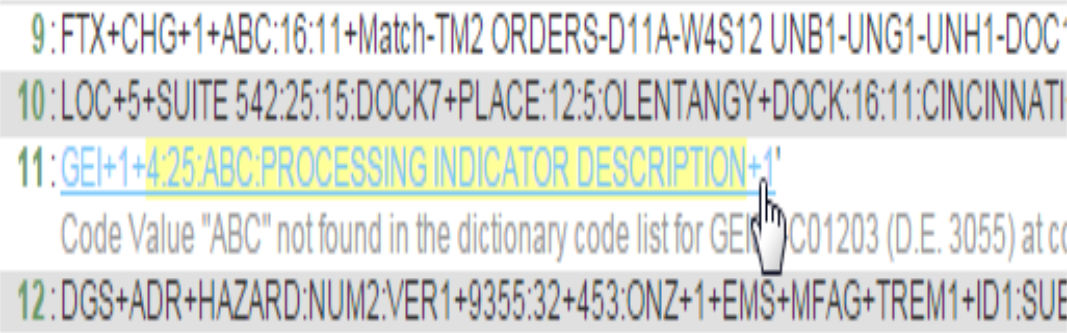
Validation Highlighter View allows users to see warnings and errors in EDIFACT data. Validation Highlighter View presents the EDIFACT data with warnings highlighted in yellow and errors highlighted in red.
Click the warning/error to obtain information about how the segment must be used:
Users can reach the Validation Highlighter View if:
-
Data is EDIFACT
-
Data and validation detail results were submitted to both Foresight Transaction Insight and Foresight Archive and Retrieval System
-
Errors were found or the data was imported with Importer’s savegooddata option
-
The Archiver_UI_Importer workflow is running
-
You have assigned them appropriate permissions.
For more detailed information about the Validation Highlighter tool, refer to
TIB_fsp_transactioninsight_n.n.n_ValidationHighlighter.pdf.