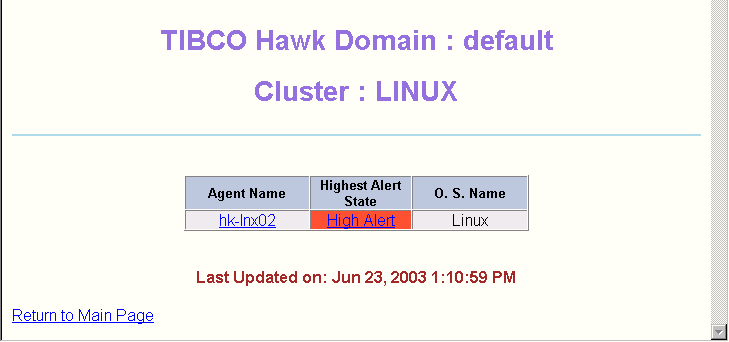
This screen appears when you click a cluster name in the Domain View. It displays information about the agents in the selected cluster.
The Agent Name column lists the names of the agents in the cluster. The
Highest Alert State column shows the highest alert state in that agent, and the
O.S. Name column indicates the operating system that the agent is running on.
You can click the agent name to display the Agent Status, or click the alert state to display the
Alert View. These views are discussed in the next sections.