|
|
| Copyright © Cloud Software Group, Inc. All Rights Reserved |
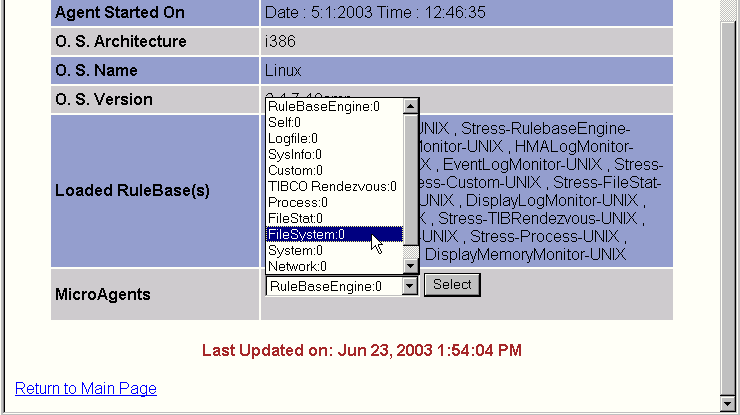
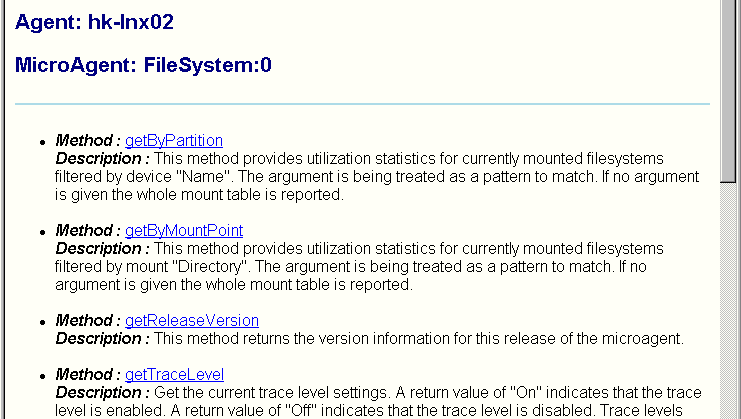
The Microagent View displays the methods associated with a microagent selected in the Agent Status view.To view the list of methods in a microagent, display the Agent Status view, select a microagent from the drop-down list, and click Select. The list of available microagents varies depending on your configuration. In the sample screen below, FileSystem:0 has been selected.When you click Select, the Microagent View appears.The sample screen above displays the methods associated with the HawkEventService microagent.To view information about a specific method, click on the method name. This displays the Method Details view, described in the next section.
|
|
| Copyright © Cloud Software Group, Inc. All Rights Reserved |