Copyright © Cloud Software Group, Inc. All Rights Reserved


Chapter 4 Using the Sample HTML Interface : Method Results

Method Results
This view appears when you click Invoke or Subscribe in the Method Details view.
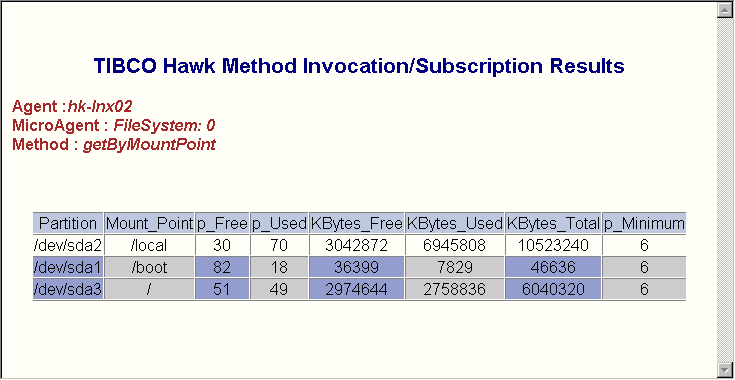
Invoke (synchronous method) returns this page with the result. The value is not updated. To return to the previous view, click the browser’s Back button.
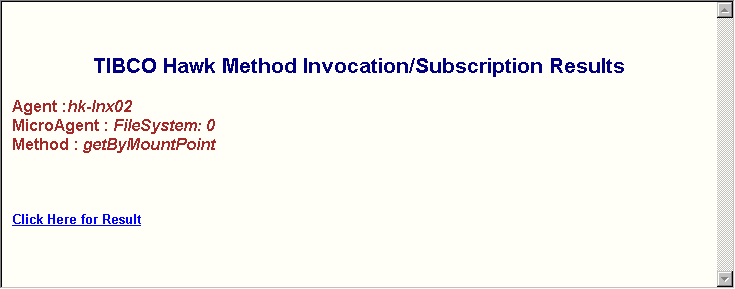
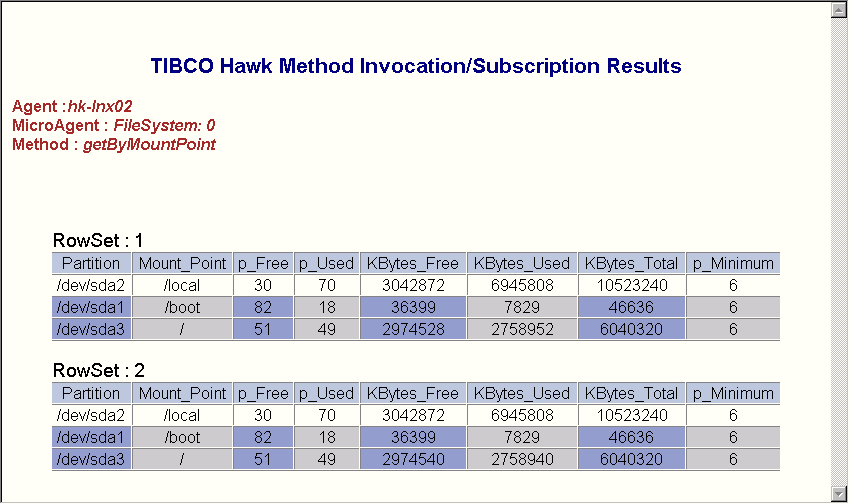
Invoke (asynchronous method) or Subscribe (synchronous method) returns this page with a link to open a new browser window. The new window is refreshed every five seconds with the current value of the method, independent of the Data Delivery Interval specified in the Method Details view.
You can leave this browser window open while you continue to work in the sample HTML interface. TIBCO Hawk HTTP Adapter terminates the subscription or invocation five minutes after one of the following happens:
The look and feel of these screens can be customized using index.css and Result.xsl as described in Customizing the HTML Application.
The sample screen above shows the Method Results window for an Invoke (synchronous method) request.
 
 
The sample screen above shows the Method Results window for an Invoke (asynchronous method) or Subscribe (synchronous method) request. Click Click here for Result to open a new browser window.
The sample screen above shows the new browser window containing data for the selected method.

Copyright © Cloud Software Group, Inc. All Rights Reserved