|
| Copyright © Cloud Software Group, Inc. All Rights Reserved |
1.
2.
3. Click System microagent from the microagent list. The supported methods are displayed in Methods panel.
4. Click the getSystemInfo method from the Methods panel. A detailed help description is displayed in the Description panel.This method returns the process management information, including process swapping and run queuing on the current TIBCO Hawk agent machine. The method is synchronous, so you must specify a time interval for collecting data points. The default interval is 5 seconds.
5. Specify a Data Interval (how often you want to call the method) of 15 seconds. You can change the value by using the spinner or type the value.Asynchronous methods do not require a Data Delivery Interval. Asynchronous methods continue to send information as it becomes available until the subscription is ended.
6.
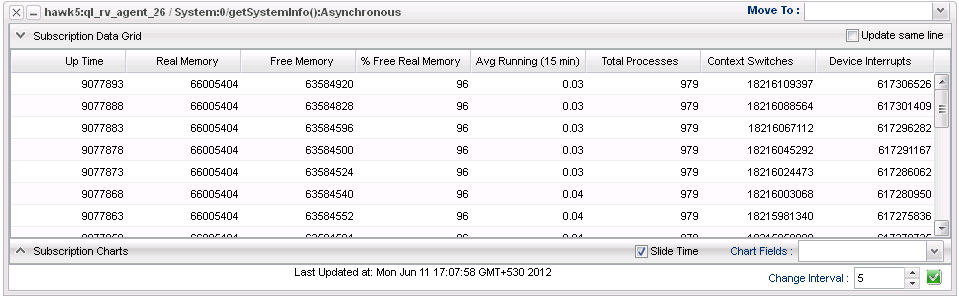
7. Click thebutton. The Subscription Results window is displayed:
|
| Copyright © Cloud Software Group, Inc. All Rights Reserved |