
|
|
| Copyright © Cloud Software Group, Inc. All Rights Reserved |
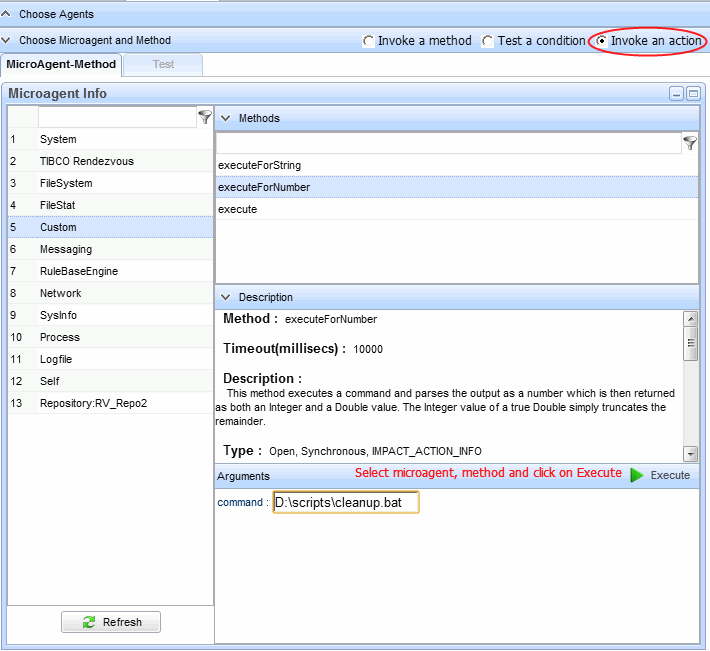
A network action is similar to a network query, except that instead of gathering information, you specify an action to perform on one or more remote agents.The action can be any task a microagent method of type IMPACT_ACTION or IMPACT_ACTION_INFO can perform. Examples of tasks you might perform as a network action include loading rulebases, starting and stopping processes, or executing custom scripts.
. The results screen details are same as Invoke a method results.
Network query and action are interactive tools, so conditions you identify and solve in this manner might return without warning. If a particular network query repeatedly yields a true result, you should consider formalizing query and action steps in a rulebase. The rulebase could contain a single rule to check for disk space usage greater than 90 percent, then call the cleanup script. A second action could notify you by email that the script was run. You could distribute this rulebase to all agents, or just agents with a pattern of high disk space usage. For more information, see Working with Rulebases.
|
|
| Copyright © Cloud Software Group, Inc. All Rights Reserved |

 icon for any agent in the list to view action results.