
|
|
| Copyright © Cloud Software Group, Inc. All Rights Reserved |
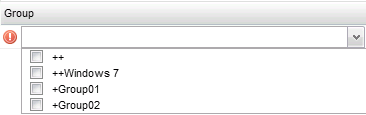
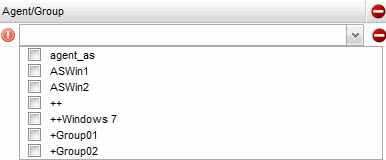
Mapping groups with agents allows you to add individual agents to one or more agent groups. You should add agents to groups that consist of agents with similar rulebase requirements.
New Groups-Agents/Groups Mapping icon from the toolbar. The Group to Agent/Group mapping options are displayed.
icon from the toolbar to save the new mapping locally. The new mappings are added to the list.
Deploy icon from the toolbar to deploy the rulebase-map updates to the repository.
|
|
| Copyright © Cloud Software Group, Inc. All Rights Reserved |

 icon to remove a group to agent/group mappings from the list.
 - Represents that the group is mapped to any rulebase, command, or
  - Represents that the group is not mapped.