Actions Details Page
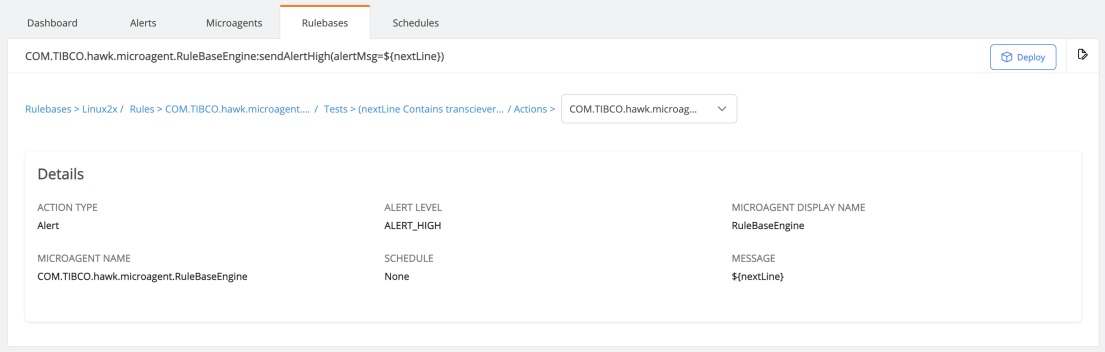
In the Action details page, you can view details of the action configured for the test condition.
Figure 42: Action Details Page
Details
| • | Action type - Type of the action configured. Based on the action type other fields are displayed. |
| • | Alert Level - Severity of the alert. |
| • | Microagent Display Name - The name of the microgent to be displayed. |
| • | Microagent Name - The microagent associated with the rulebase. |
| • | Message - Alert message to be displayed. |
Actions
| • | Edit the action - Click the edit icon to edit the details of the test condition. |
| • | Deploy the rulebase - Click the Deploy to deploy the rulebase to the Hawk agent. For details, see Deploying a Rulebase to the Associated Hawk Agent. |