EAI Call-Out Definition
| 1. | The EAI Call-Out Definition button invokes the iProcess BusinessWorks step wizard. See Define the Call to BusinessWorks for more information. |
| 2. | Click the Audit Trail tab to define custom audit trail entry expressions. This enables you to define text expressions that are evaluated when the step is processed and inserted as the %USER value in the audit trail entries. |
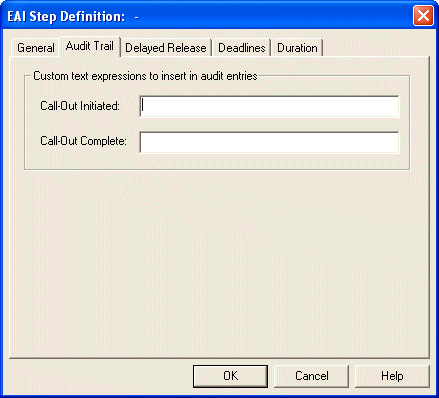
You must enter a value in both fields or leave them both empty:
| — | In the Call-out Initiated field, enter a valid text expression that will replace the %USER value in the audit trail when the call out is initiated. |
| — | In the Call-out Complete field, enter a valid text expression that will replace the %USER value in the audit trail when the call out is complete. |