Importing JMS Provider Configuration Information
This section describes how to import your JMS provider configuration information using JMS Administration Tool:
|
1.
|
Start JMS Administration Tool. |
|
2.
|
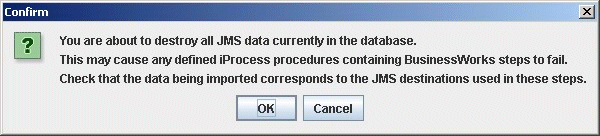
Click Import. The following warning is displayed: |
|
3.
|
Click OK to continue importing the new JMS provider information or Cancel to return to the Open dialog. |
|
4.
|
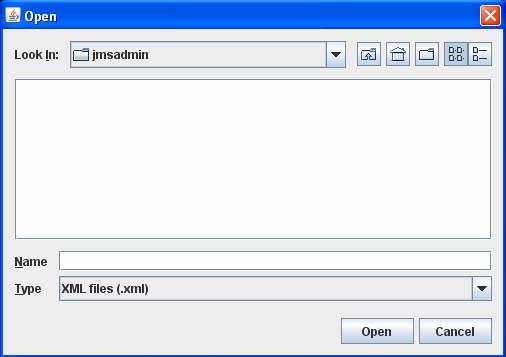
If you clicked OK, the Open dialog is displayed. |
|
5.
|
In the Name field, select the file that contains your JMS provider configuration information and click Open. |
|
6.
|
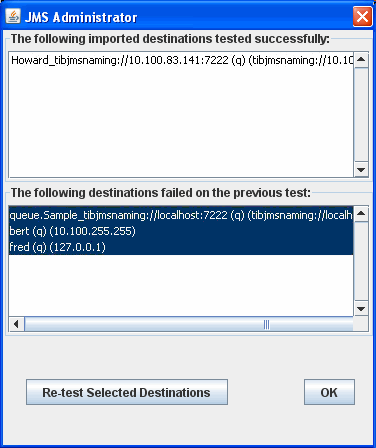
The Report for JMS Destination Import dialog is displayed. |
This dialog shows which connections have tested successfully and which have failed. You can:
|
—
|
Click Re-test Selected Destinations to re-test one or more connections. |
|
—
|
Click Load JMS Provider to load the providers associated with one or more selected connections, that may have failed testing because the JMS provider was not loaded. |
Note: After an installation or upgrade, you will need to load all JMS providers.
|
7.
|
Click OK. The new JMS provider information is imported. |