|
| Copyright © Cloud Software Group, Inc. All Rights Reserved |
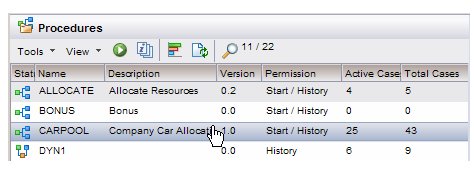
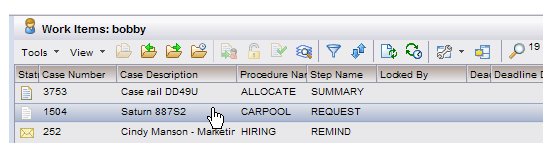
The effect of selecting an item from the work item or case list depends on whether or not the preview feature is turned on (see Preview Pane):
Note that double-clicking an item on a work item or case list opens that item. When you open a work item, the work item form is displayed. When you open a case, the case details are displayed in a tabbed window.
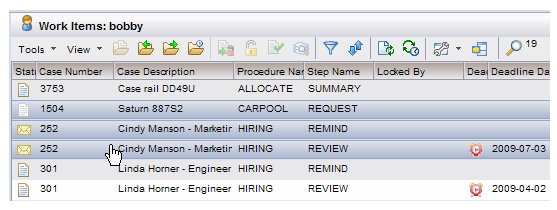
• Select one of the desired items, press and hold the Ctrl key, then click on the other desired items. All selected items are shown in a different color than the rest of the items in the list.
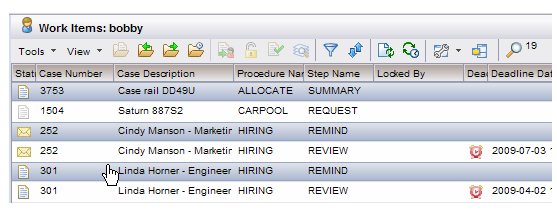
• Select the first item in the group, press and hold the Shift key, then either click on the last item in the group, or move the arrow key until all desired items are selected. All selected items are shown in a different color than the rest of the items in the list.
|
| Copyright © Cloud Software Group, Inc. All Rights Reserved |