Copyright © Cloud Software Group, Inc. All Rights Reserved


Chapter 5 Using Conditional Actions : Defining a Conditional Action

Defining a Conditional Action
To define a conditional action:
1.
The Condition Definition dialog appears.
2.
See TIBCO iProcess Expressions and Functions Reference Guide for more information on how to enter a valid condition expression.
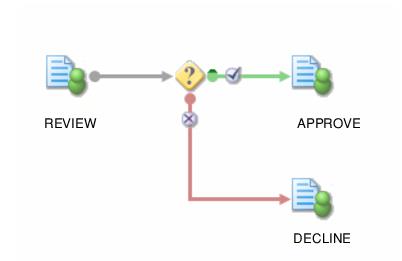
You will also need to define the step(s) to be actioned if the condition proves true and those to be actioned if the condition proves false.
3.
A condition can have more than one action following each of its true and false branches. A condition can also be directly followed by another condition.

Copyright © Cloud Software Group, Inc. All Rights Reserved