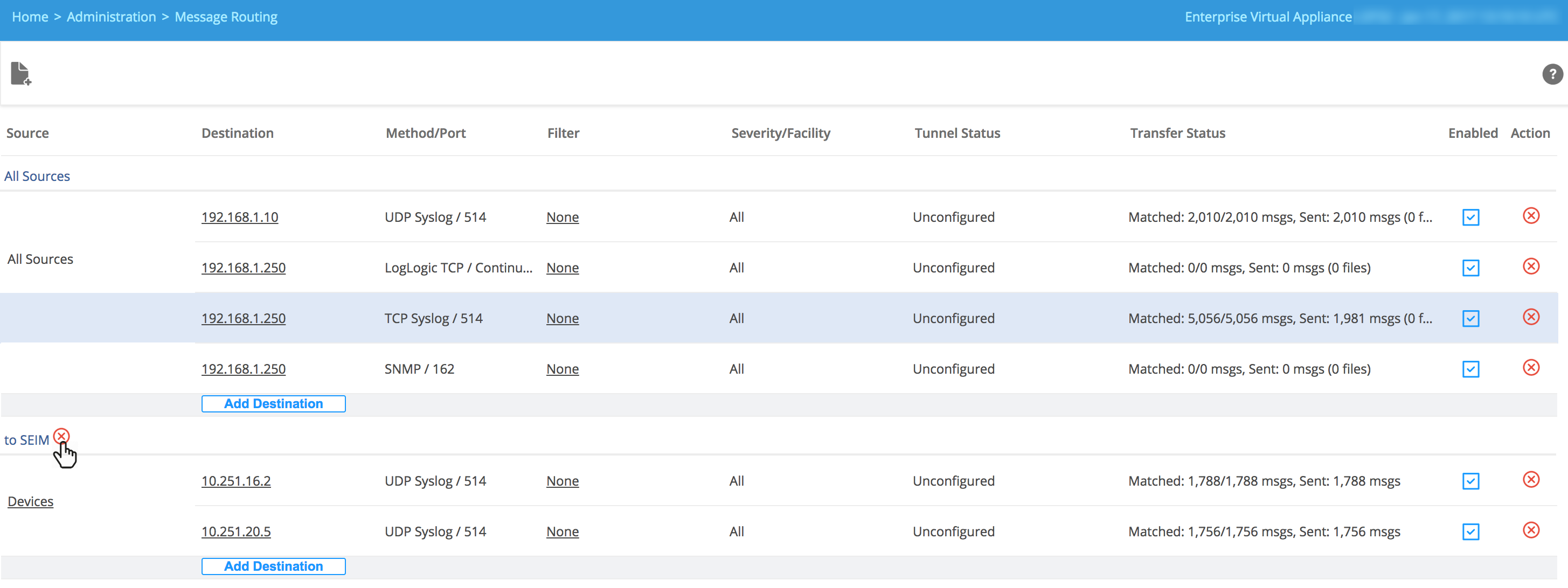
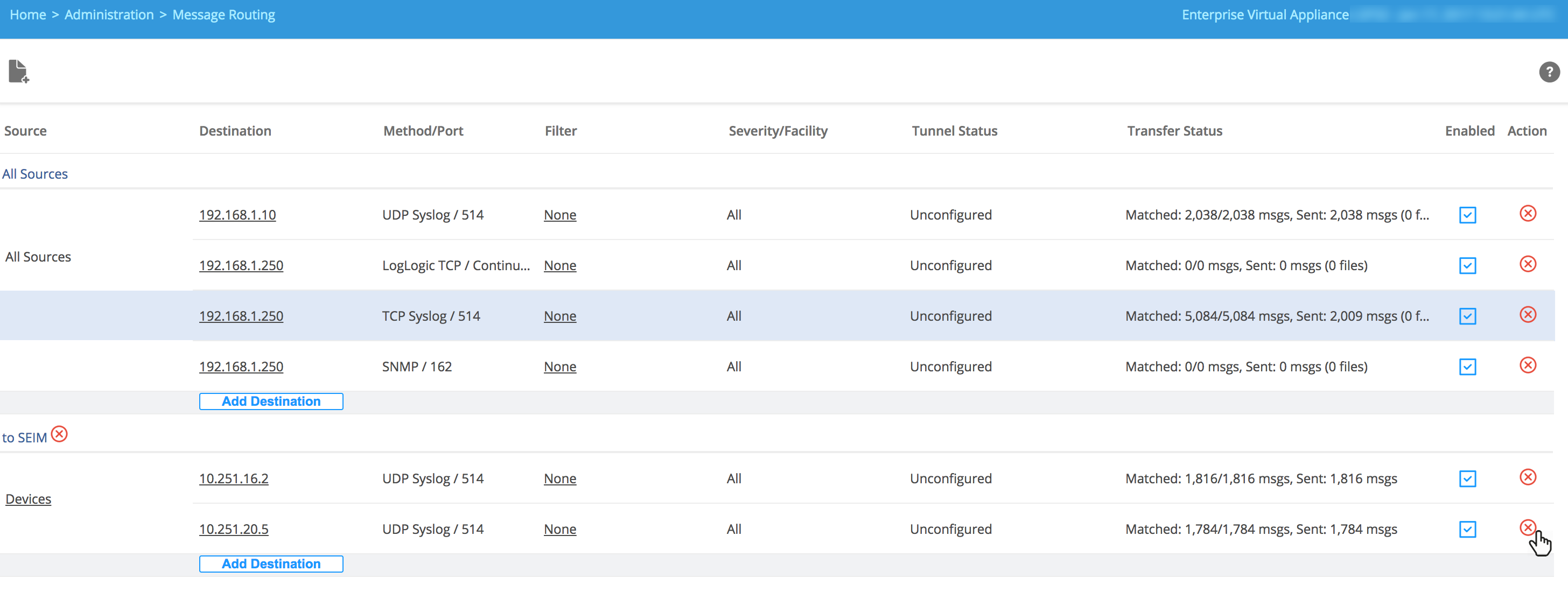
Removing Routing Rules or Destinations
You can delete the existing routing rule or destination.
However, you cannot delete the
All Sources rule.
Note: If you delete the last added destination from the
All Sources rule, the
All Sources rule still remains in the system. However, if you delete the last added destination from any Outbound data rule, that Outbound rule is deleted.
- Procedure
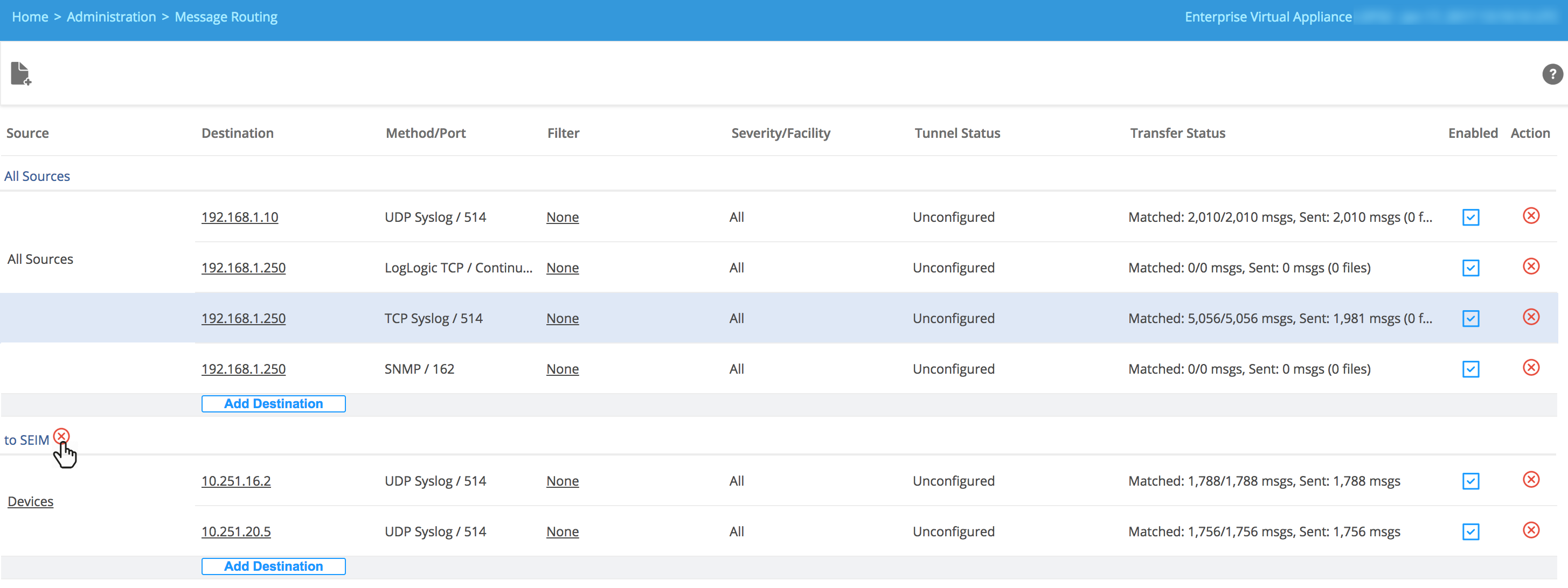
- To delete a rule and all of its destinations, click the
 button next to the rule.
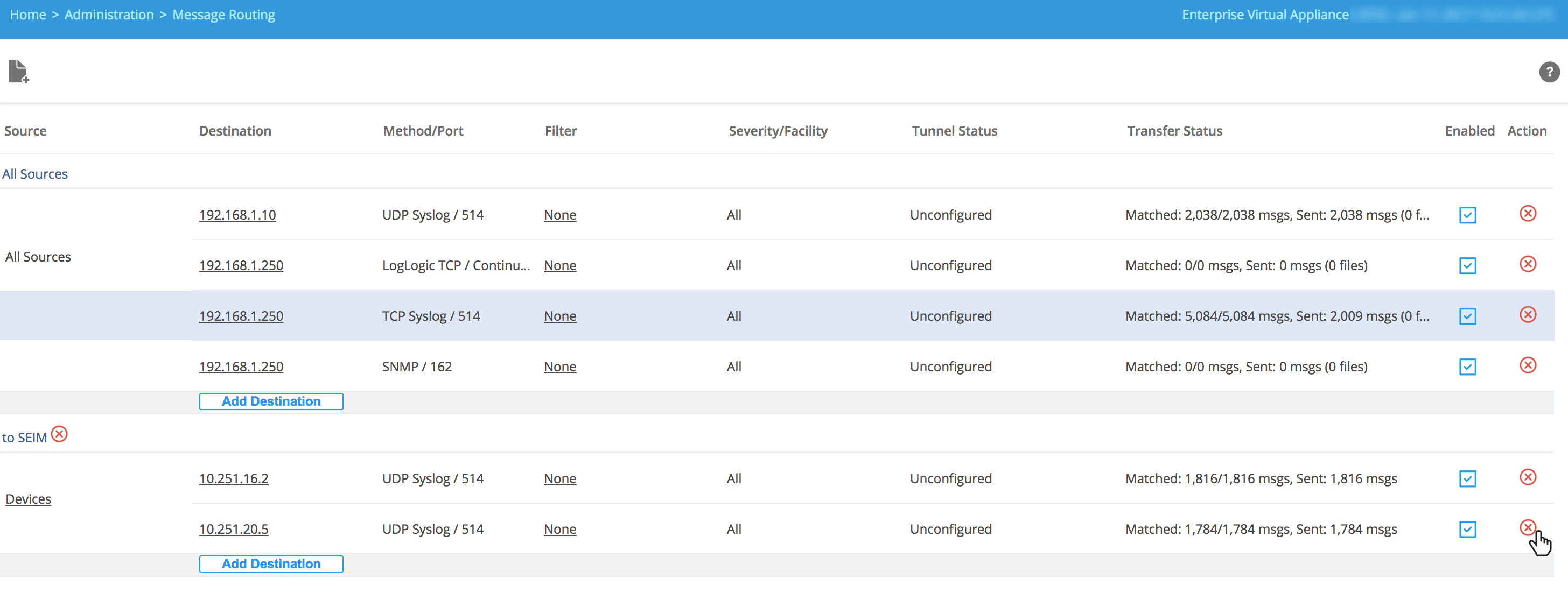
- To delete a destination from a rule, click the
button in the
Action column of that rule.
- Click Yes in the confirmation window to delete the rule or the destination.