Viewing Event Group Details
Each event group describes the criteria that must combine events to be grouped together as part of the correlation rule. This is equivalent to a single search query defined in EQL.
- Procedure
- Navigate to Alerts > Advanced Alerts.
- From the
Alerts page, click the alert name to view its details.
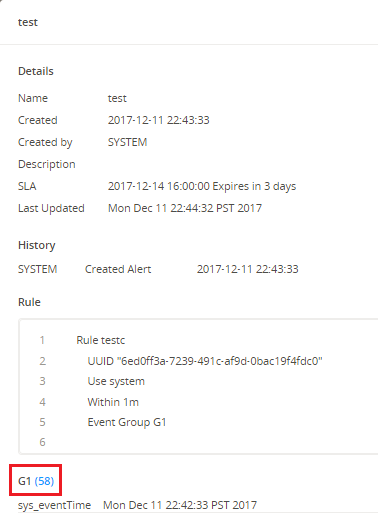
In the Details window, you can view alert details, history, associated correlation rule, and event group details.
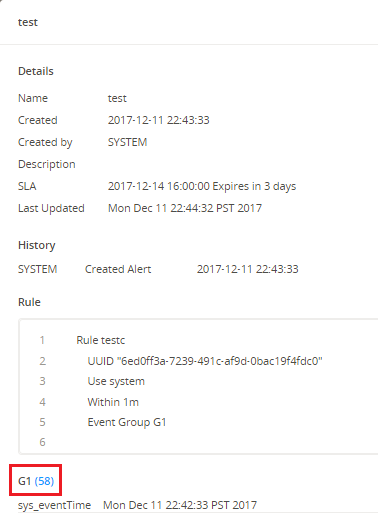
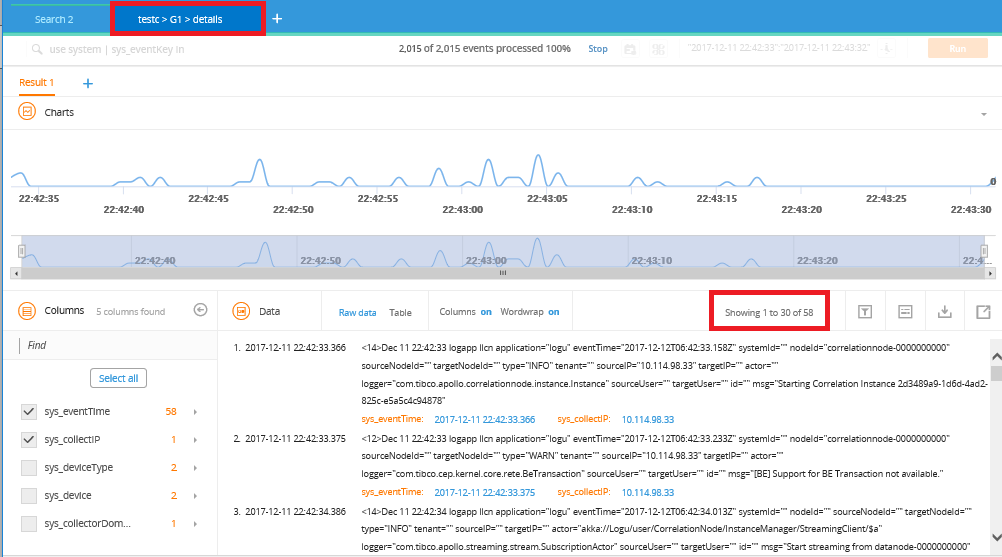
- To view the associated event count query, click the event group
count link, for example,
(58) as shown in the example.
Note: The event count link is available only when the count is less than 1024.A new search tab is added showing the event count query in the Search field. The Result tab displays the retrieved results in the Timeline Charts, Columns, and Data panels.