The sign-in users have extra access to
Configure page ,
Deploy page ,
Define page and
Access page.
Procedure
-
On the
Mainframe WebUI startup page, click
SIGN IN, which is in the upper-right corner of the page.
-
Provide a user name in the
Username field and a password in the
Password field.
-
Click
Sign In.
Note: If you do not have a user name or password, click
Contact master to request one. You can use the master account to sign in by default. The user name is
master and the password is
master.
-
Select a workspace from the list next to the
ABOUT button.
The default workspaces in Mainframe WebUI are
CICS_EMS and
CICS_RV.
Result
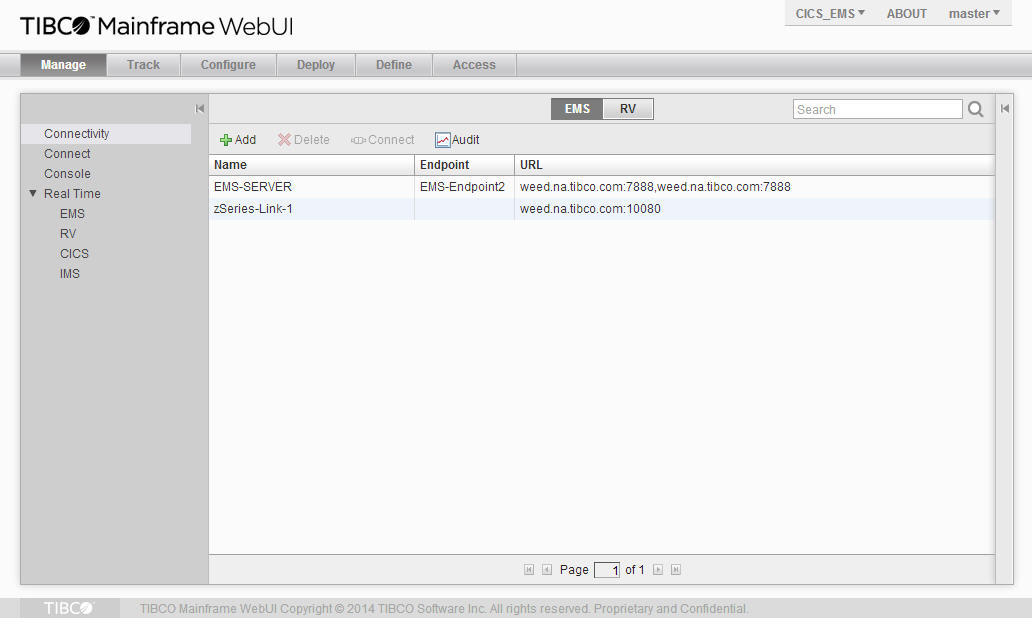
After signing-in, the following page is displayed.
Copyright © Cloud Software Group, Inc. All Rights Reserved.