Copying Export Profile
The Copy Export Profile page allows you to copy an existing export profile to create a new export profile. Copying the export profile also copies the business objects selected by you in the source export profile.
- Procedure
- Select . The Export Profiles page is displayed.
- Click the check box next to an export profile name that you want to copy and click Copy
. The Copy Export Profile page is displayed.
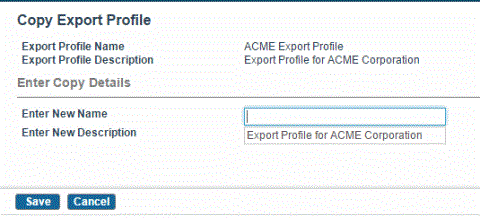
- In the Enter New Name field, type the new name for copied export profile.
- Click Save. The export profile is saved and listed on the Export Profile page.