Correcting Records
Using the Correction option on the UI, you can update the existing version of a record, instead of creating a new one.
Before you beginResource security permission is defined for using the
Correction option on the UI. By default, the permission is denied. For information about defining resource securities, see the section,
Defining Resource Security. For information about the list of permissions, see the section,
Permissions by Resource Type.
- Procedure
- Click Browse and Search.
- From the Repository Name drop-down list, select the repository whose records you want to correct.
- Click View All. A list of all records is displayed.
- Select the record that needs to be corrected and click
Correction.
The Correct Record page is displayed.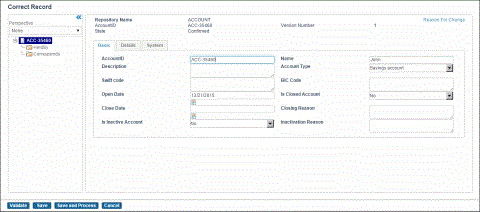
- Change the values in the fields.
- Click Save and Process to update the existing record version and trigger workflow for further processing or customization, if any.