Generating a Swagger JSON File
On the Swagger UI, click the
http://mdmhost:port/rest/v2/api-docs link to generate a
Swagger.json file.
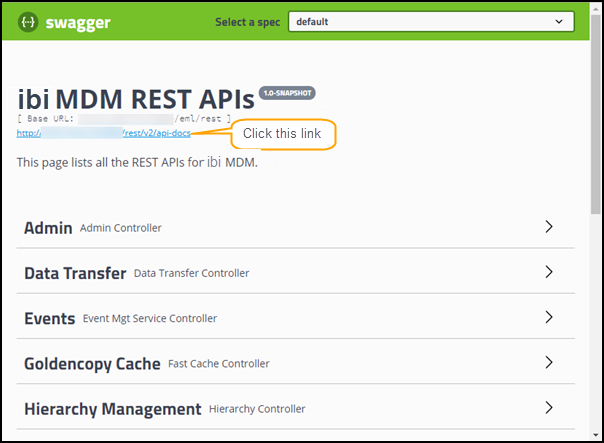
The
Swagger.json file is generated and displayed in a new tab of the browser. Click the
Raw Data tab, and then click
Save to save the file in the JSON format.
You can import the
Swagger.json file in the SOAP UI tool using the Import swagger option and use the available rest services in ibi MDM.