Importing Data Using Data Transfer
By using the Data Transfer Import option, you can import the export archive exported from the source company.
Before you begin
Export data from the source company using either the Data Transfer Export option (see Exporting Data Using Data Transfer) or synchronization-based data transfer by selecting the For Data Transfer option on the Create Synchronization Profile page (see Synchronization Profile).
- Procedure
- On the destination company, log in to ibi MDM.
- Click
.
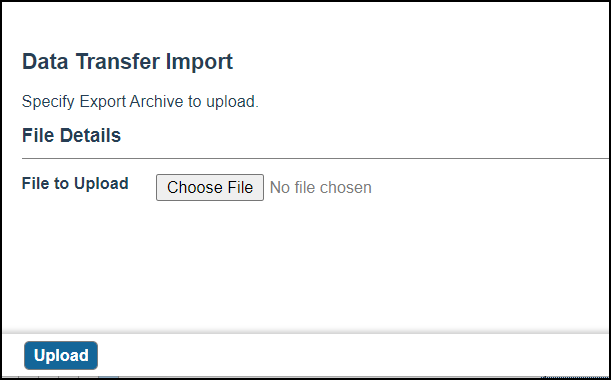
- Click Browse to navigate to the export archive to upload.
- Select the export.zip file and click Upload.
- Click Yes to confirm that the action uploads data source(s) and initiates imports.
- In the Web page that follows, click
Check Progress to monitor the status of the upload.
The export ZIP is imported into the selected enterprise.
ResultImporting the export archive in the data transfer operation triggers the following actions:
- First, the repository metadata is imported if it is a part of the export archive
- Then, the metadata required for reimport of data is imported, which includes all generated data sources and input maps
- Lastly, the data transfer operation is invoked, which involves uploading each CSV data file (from the export archive) to its data source, and then invoking import of records using each associated input map into its corresponding repository