Creating Export Profile
- Procedure
- Select . The Export Profiles page is displayed.
- Click
 . The Export Wizard dialog is displayed with the Create Export Profile page.
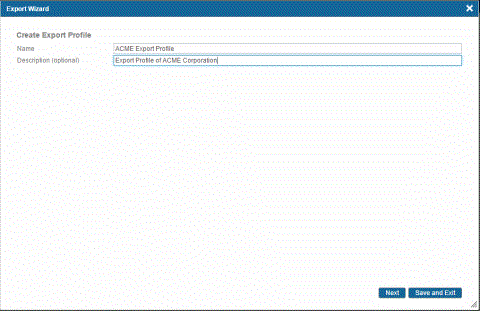
- In the Name field, type the name of the profile. This is unique name of the Export Profile.
- In the Description field, type the description of the export profile. This is optional field.
- Click the
Save and Exit button. The export profile is saved and displayed on the Export Profiles page.
Note: If the export profile name already exists, an error message is displayed. You need to specify the unique name.