Adding Records to a Repository
You can add records in the selected repository from the record list pane.
Before you beginYou must have a permission to create a record, else the Add Record option is disabled.
- Procedure
- Click Browse and Search.
- Select a repository in which you want to add records and click Graphical Editor.
The Graphical Editor page is displayed for the selected repository. - Optional: If required, you can change selected repository from the Repository Name list.
- In the record list pane, click Add Record
 .
.
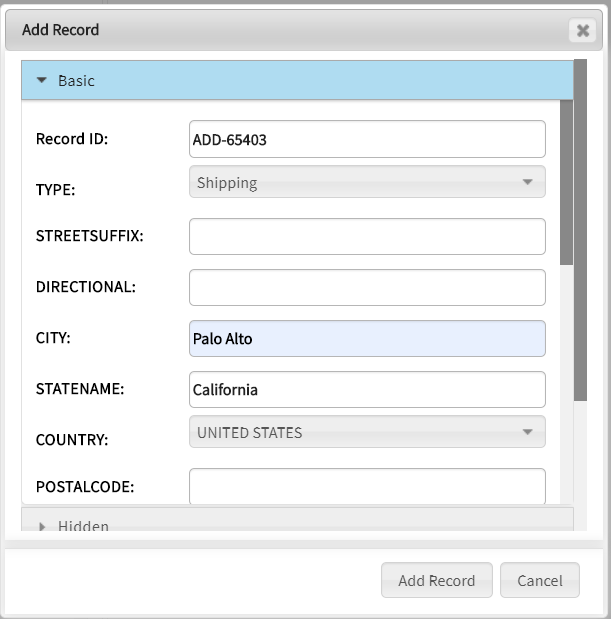
The Add Record window is displayed with attribute groups and attributes for the selected repository.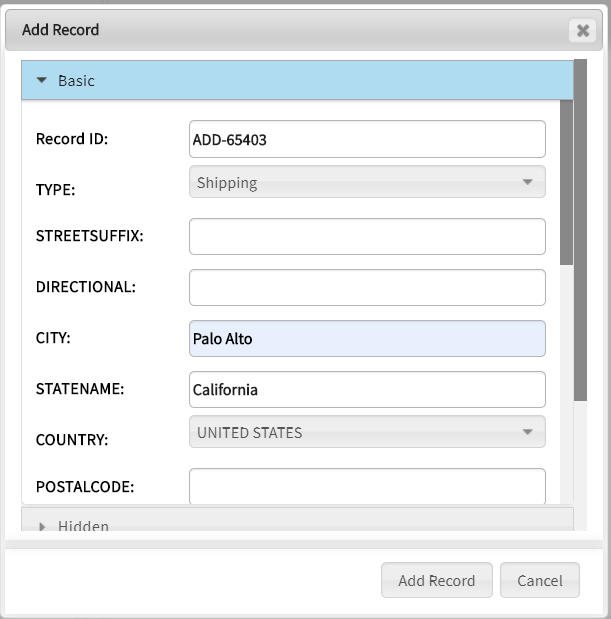
- Enter attribute values and click Add Record.
The newly added record is displayed on the relationship canvas in edit mode.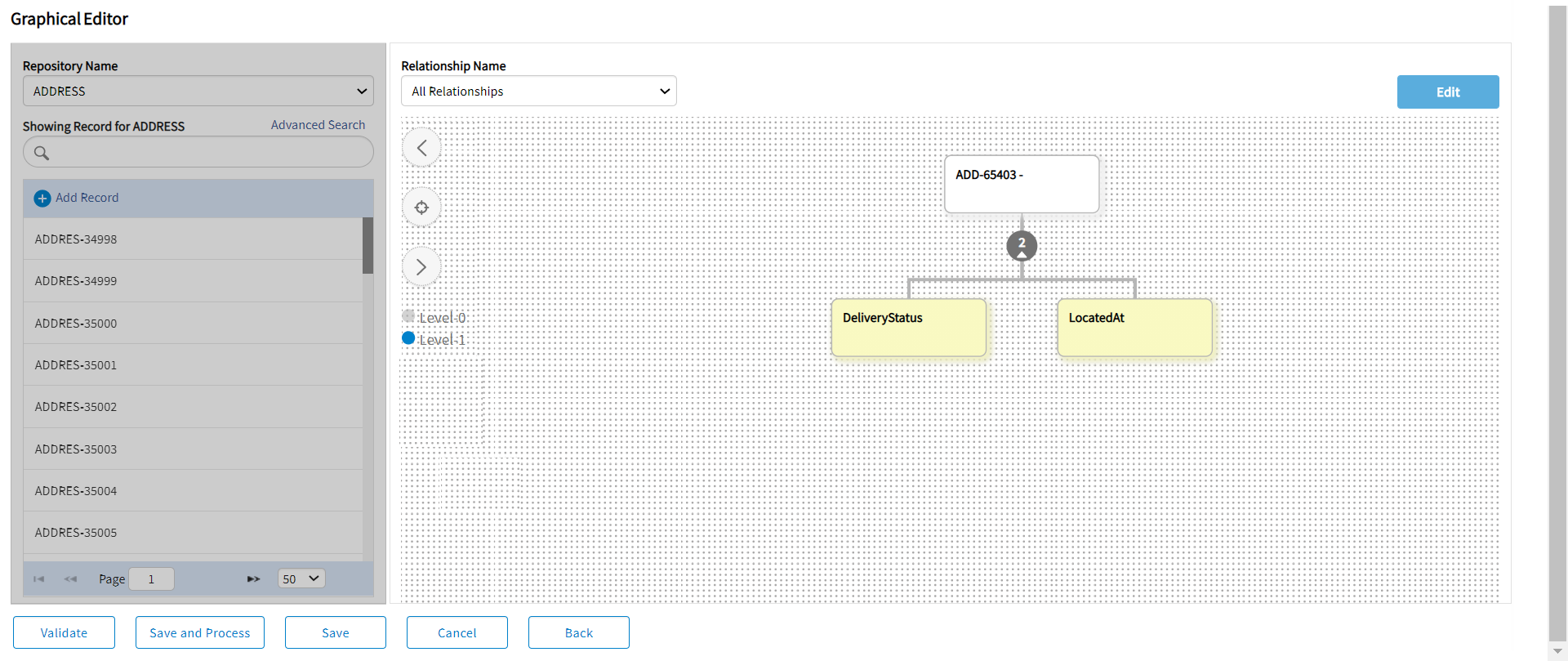
- Click Validate, and then Save and Process or Save.
The record is validated and then saved in the repository. The left record list is updated with a new record.
For more information on the action buttons displayed on the graphical editor, see Graphical Editor.