Searching Related Records
You can search a related child record in the target repository by clicking each relationship node. The functionality is useful if you have a large number of child records. You can search related records in the View and Edit modes.
- Procedure
- Open the relationship canvas as described in steps 1-3 of Creating Related Records.
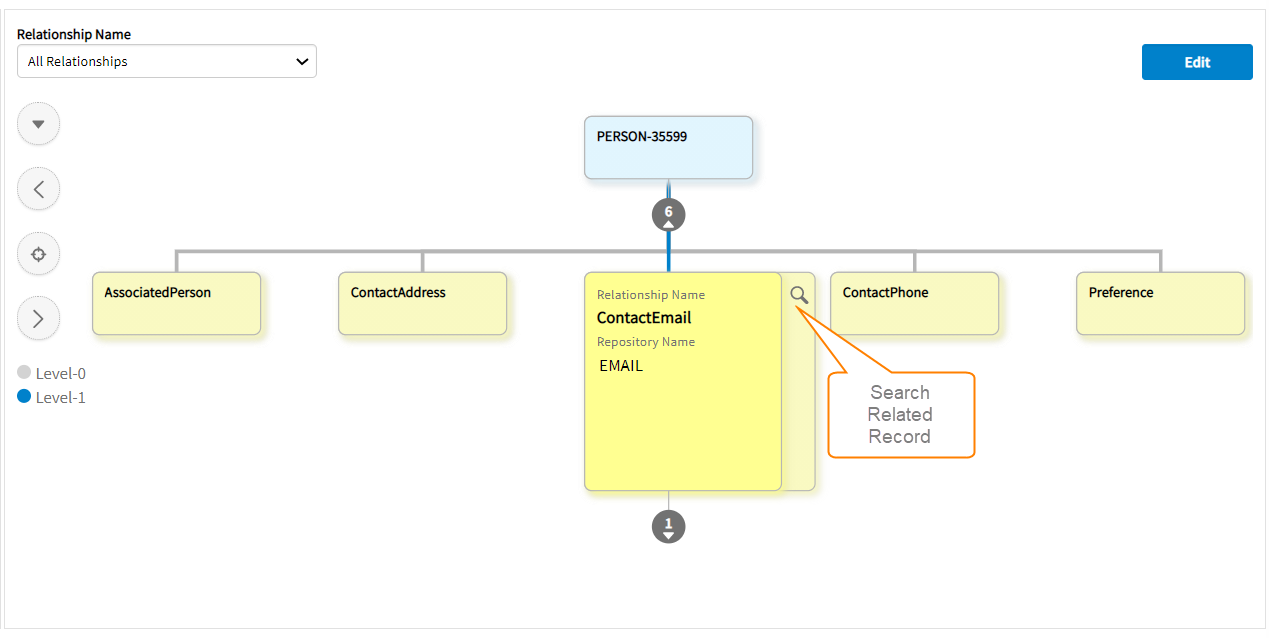
- On the relationship child node, click Search Related Record.
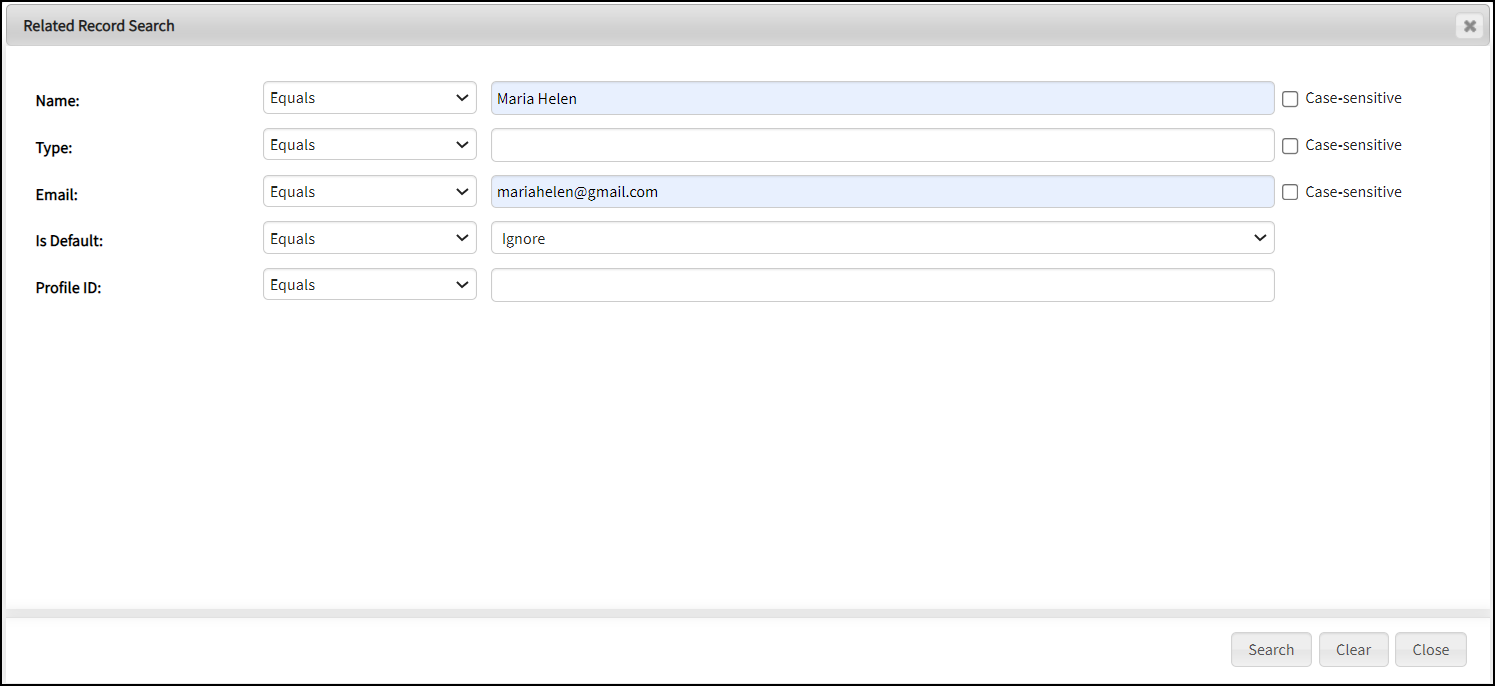
The Related Record Search window is displayed.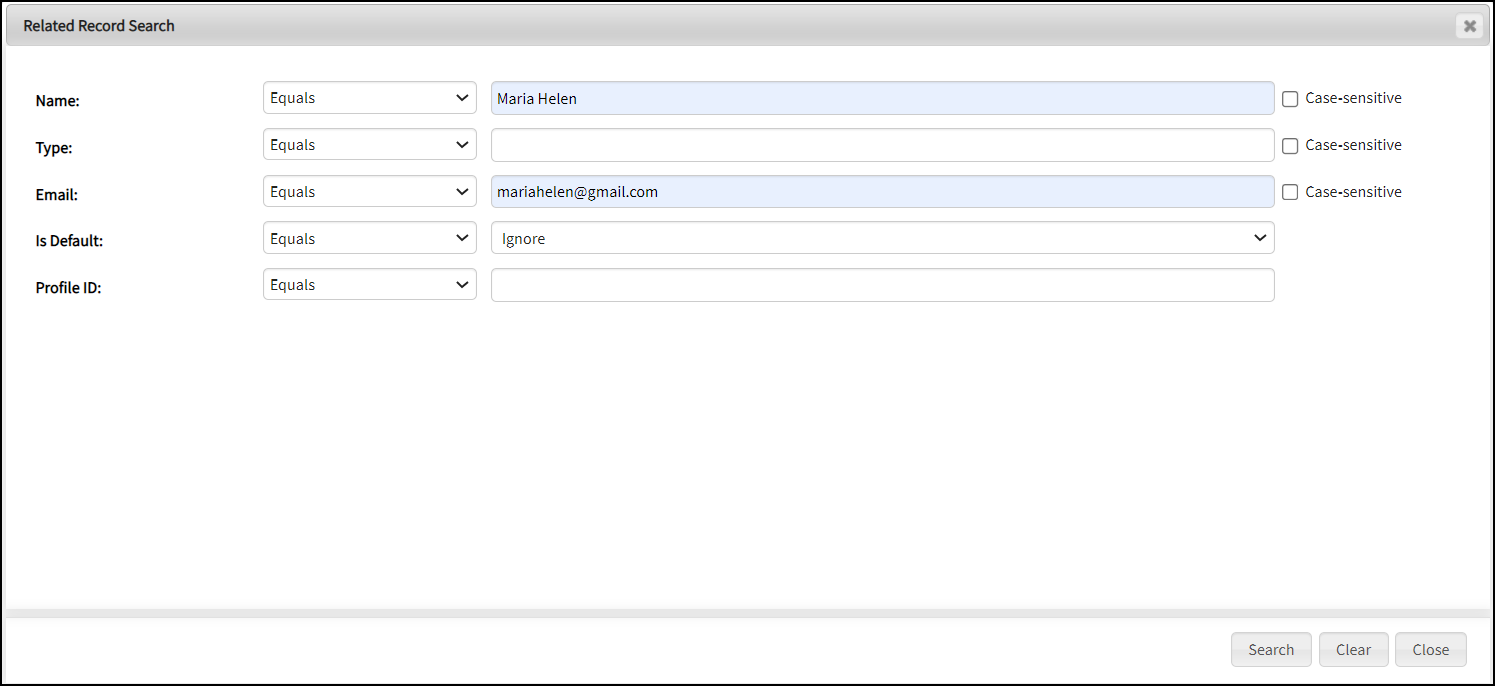
-
To retrieve filtered records of the target repository, enter data in the search criteria fields and click Search.
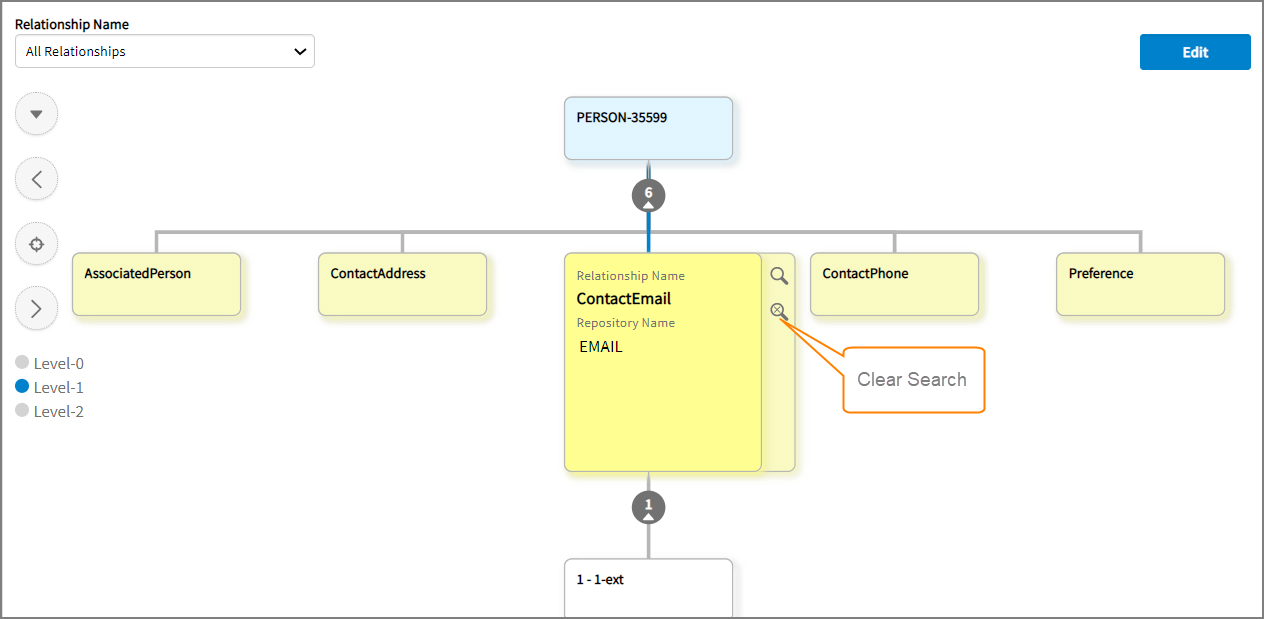

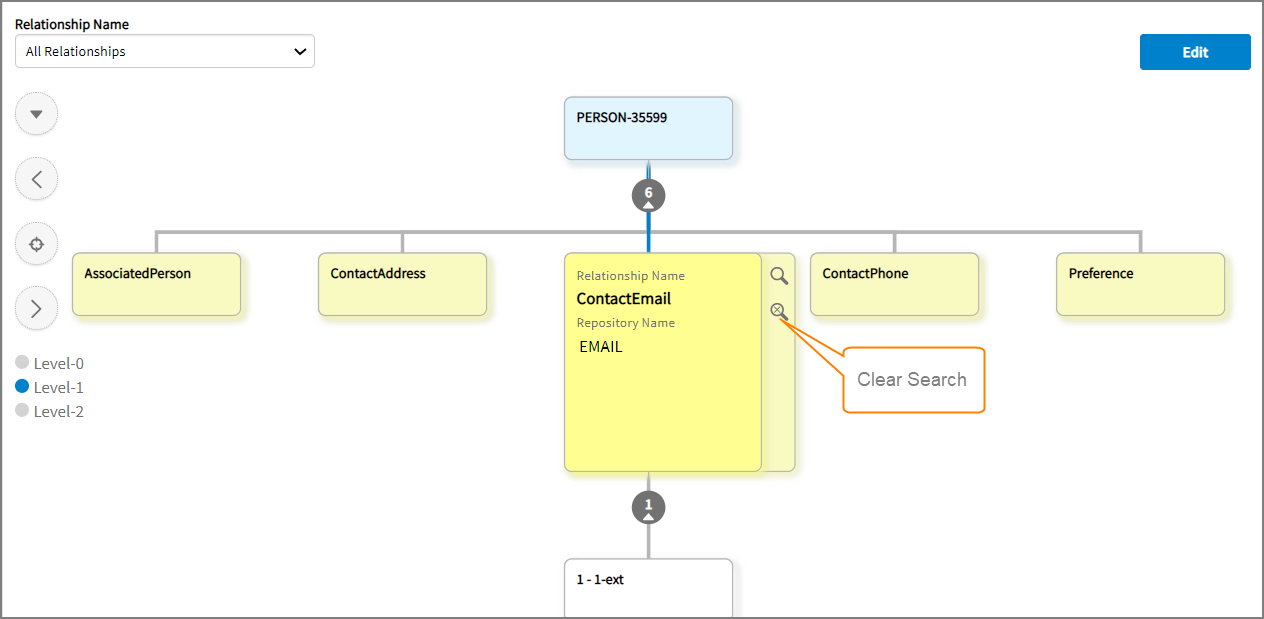
Note: To remove the related record (added by search criteria) from the hierarchy, click Clear Search.