Comparing Effective Date Records
Using this option, you can compare future dated records and its versions. For more information, see Comparing Records.
- Procedure
- Click Browse and Search.
- From the Repository Name drop-down list, select the name of the repository from which you want to compare records.
- In the Filter drop-down list, select Only future dated versions or Include future dated versions. A list of all future effective date records is displayed.
- Select any two records that you want to compare. You can select a maximum of three records.
- Click
Compare. The Compare Records page is displayed.
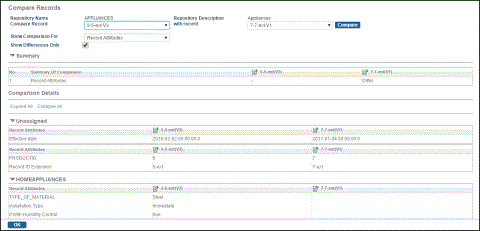
- Click the Compare button. For detailed information on comparing records, see Comparing Records.
Subtopics