Modifying Record and Relationship Attributes
You can update the values of the record and relationship attributes by clicking the Edit node details option on each record node and related record node on the relationship canvas.
- Procedure
- Select the record node or related record node and click Edit node details.
The Record Details window is displayed. You can maximize the window to view details of each attribute group.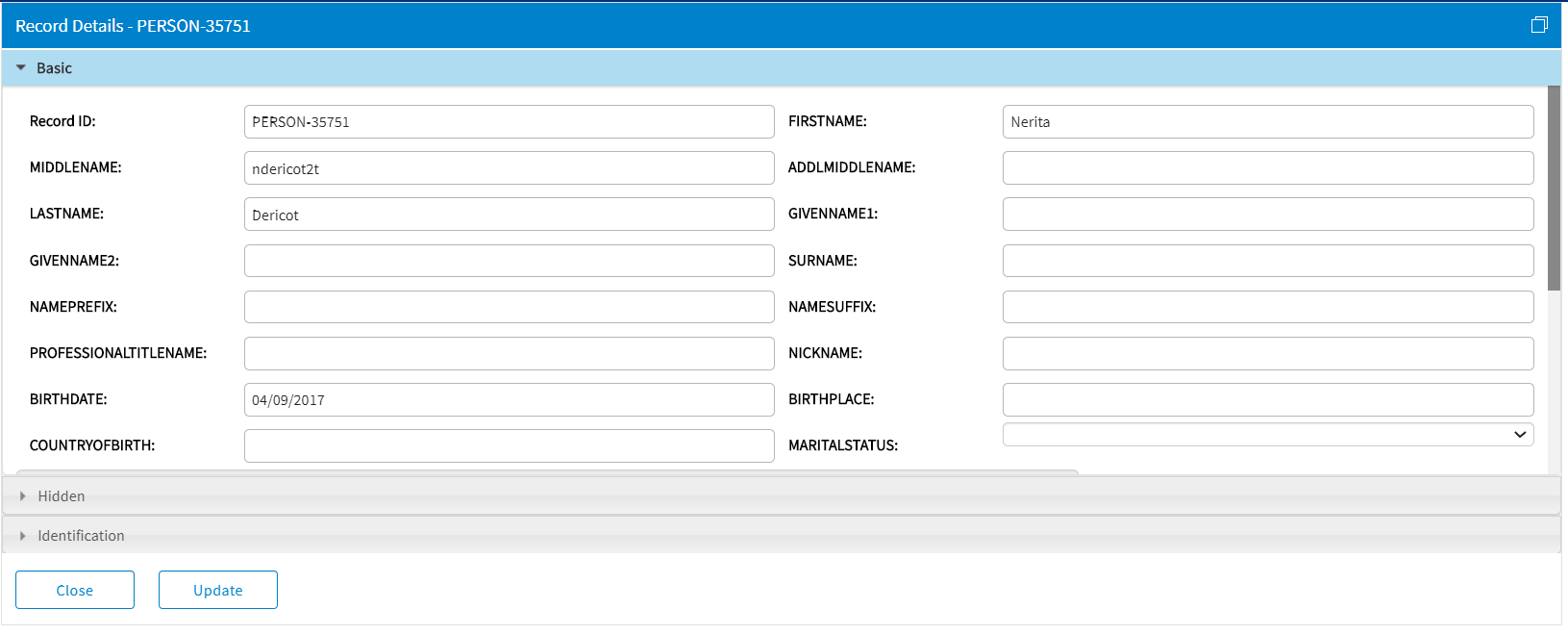
- Update the values of the record attribute or related record attribute and click Update.
The attribute values for the selected record node are updated, and theRecord is Modifiedmessage is displayed.