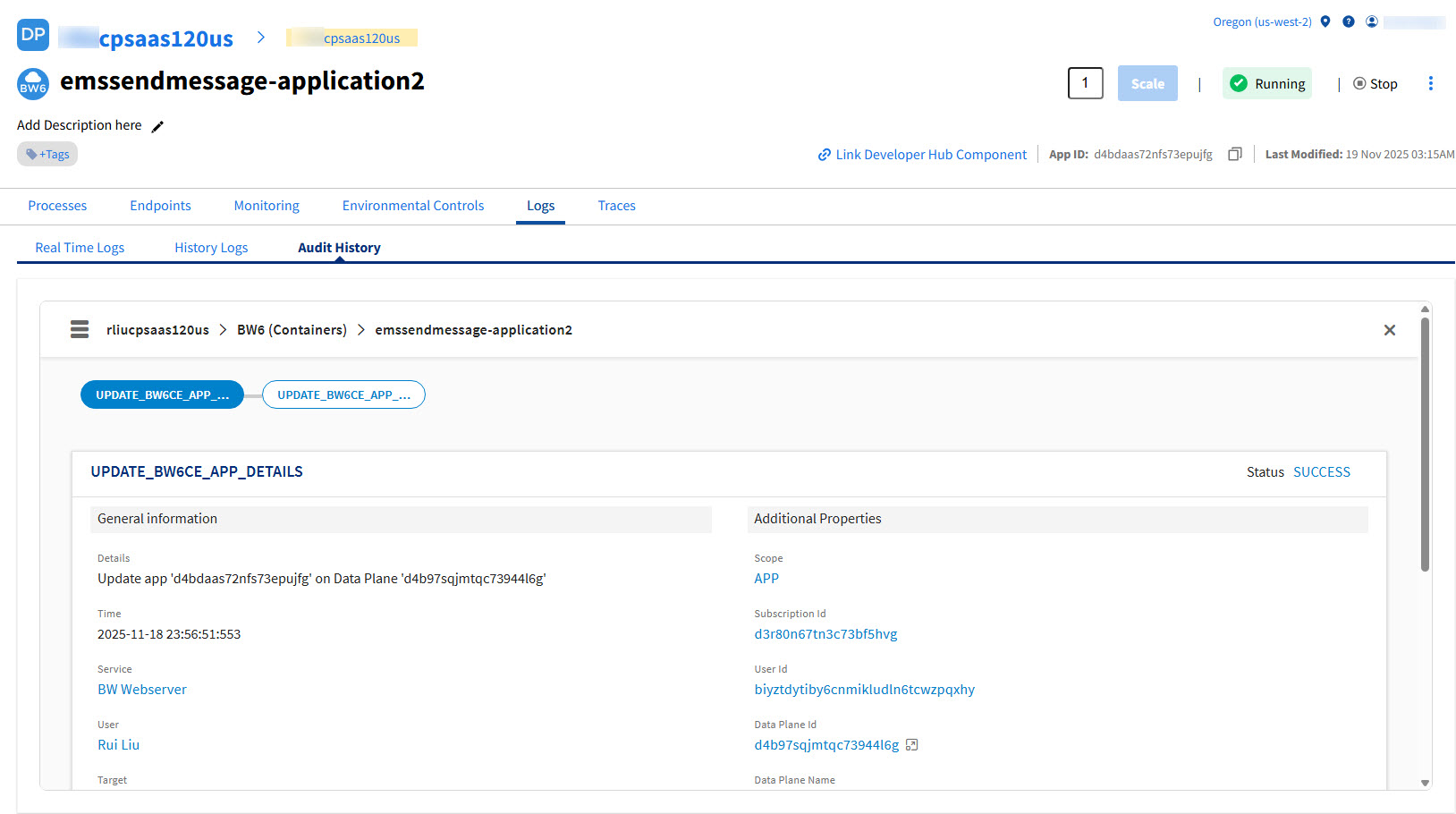
Audit History
The Audit History card displays the audit trails to track events that occur during transactions. This gives you more insights into various events happening in the business processes.
- You must have already configured the Logs server in your Kubernetes cluster. The following third-party tools are supported:
Logs server: Elasticsearch 8.15.2
- (Optional) If you don't need Control Plane log service, but want to have audit trail then set the
global.tibco.logging.fluentbit.enabled=falseandotel-collector.enabled=truein tibco-cp-base chart values.
To add Audit History card on the Observability dashboard, click Add Card button in the top-right corner and select Audit History card from the General section.
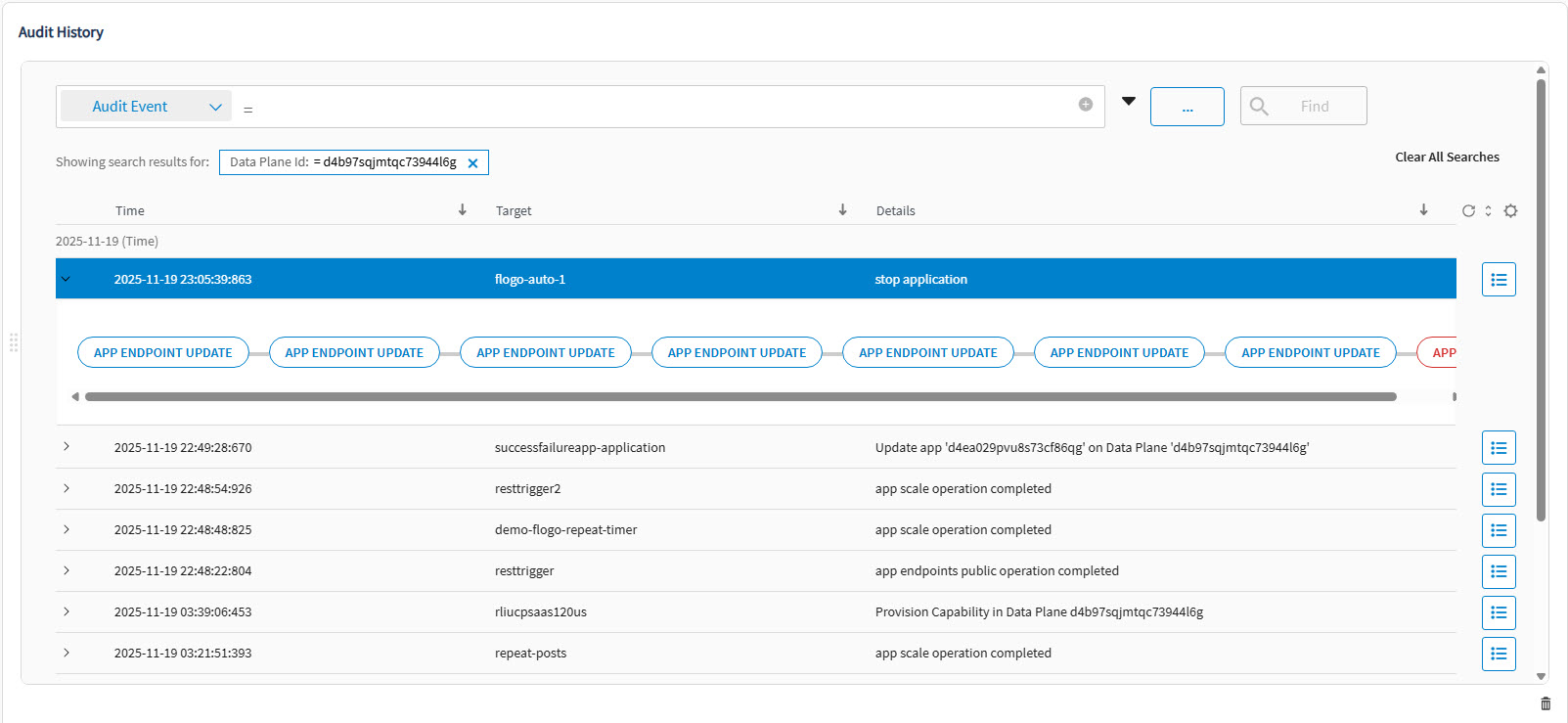
On the Audit History card you can:
-
View Audit event details
-
Search for Audit Events using filters
-
Change the column view from the Settings dialog
-
Save Search Criteria
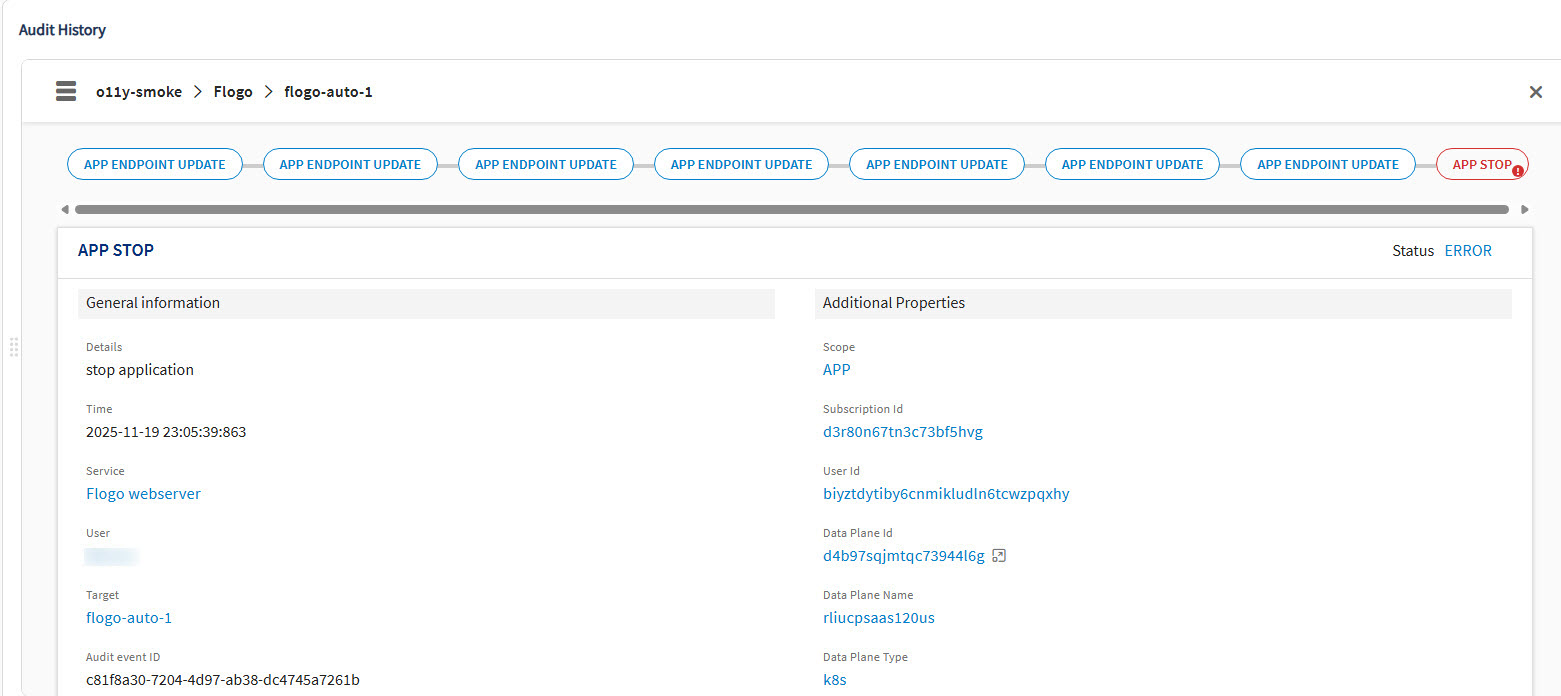
Click hamburger menu icon to view audit event details:
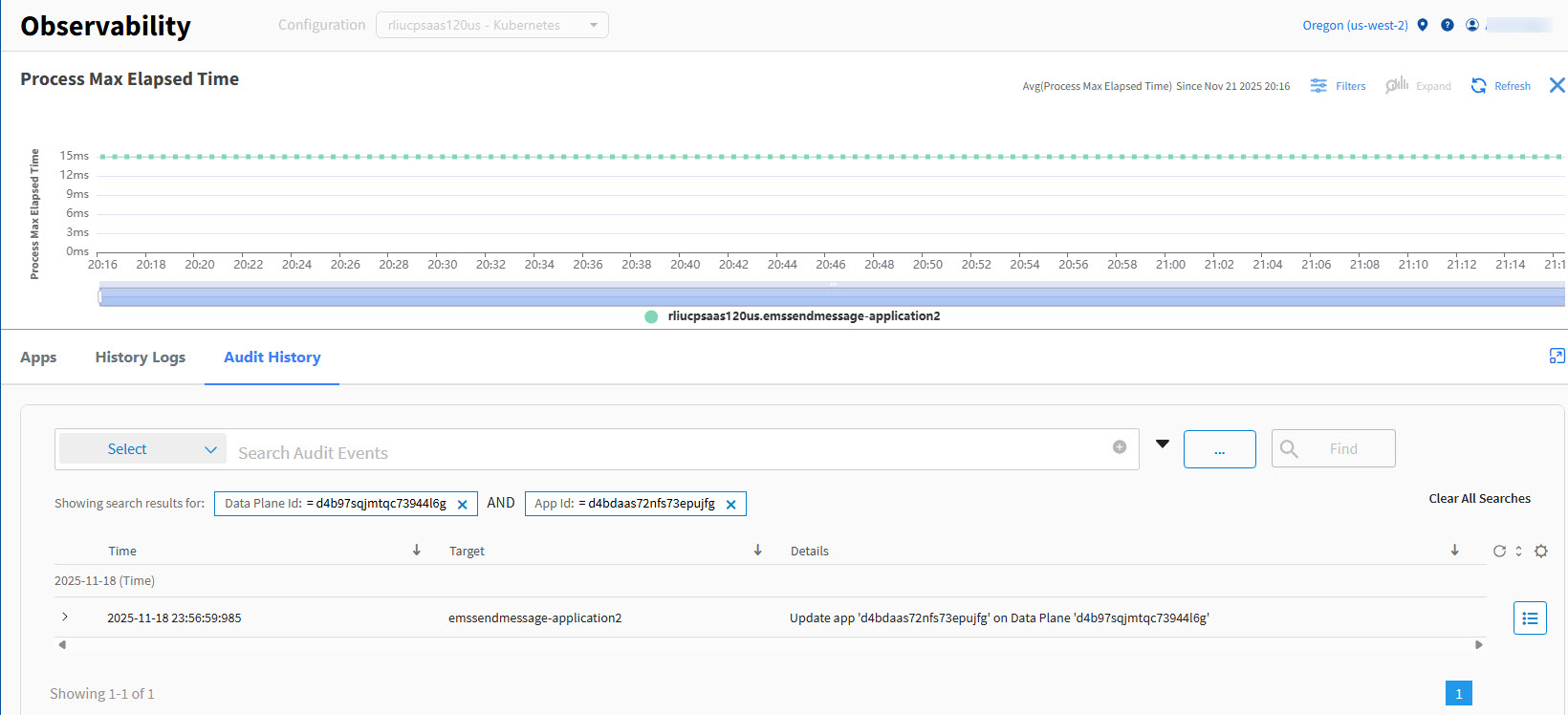
Accessing the Audit History from a Custom Card Details Page
On a custom card details page, click Audit History tab to view the audit trail for the app list.
Accessing the Audit History from the Application Details Page
On the application details page, click Logs > Audit History tab to view the audit trail for an application.