Provisioning TIBCO BusinessWorks6 (Containers) Capability and Plug-ins
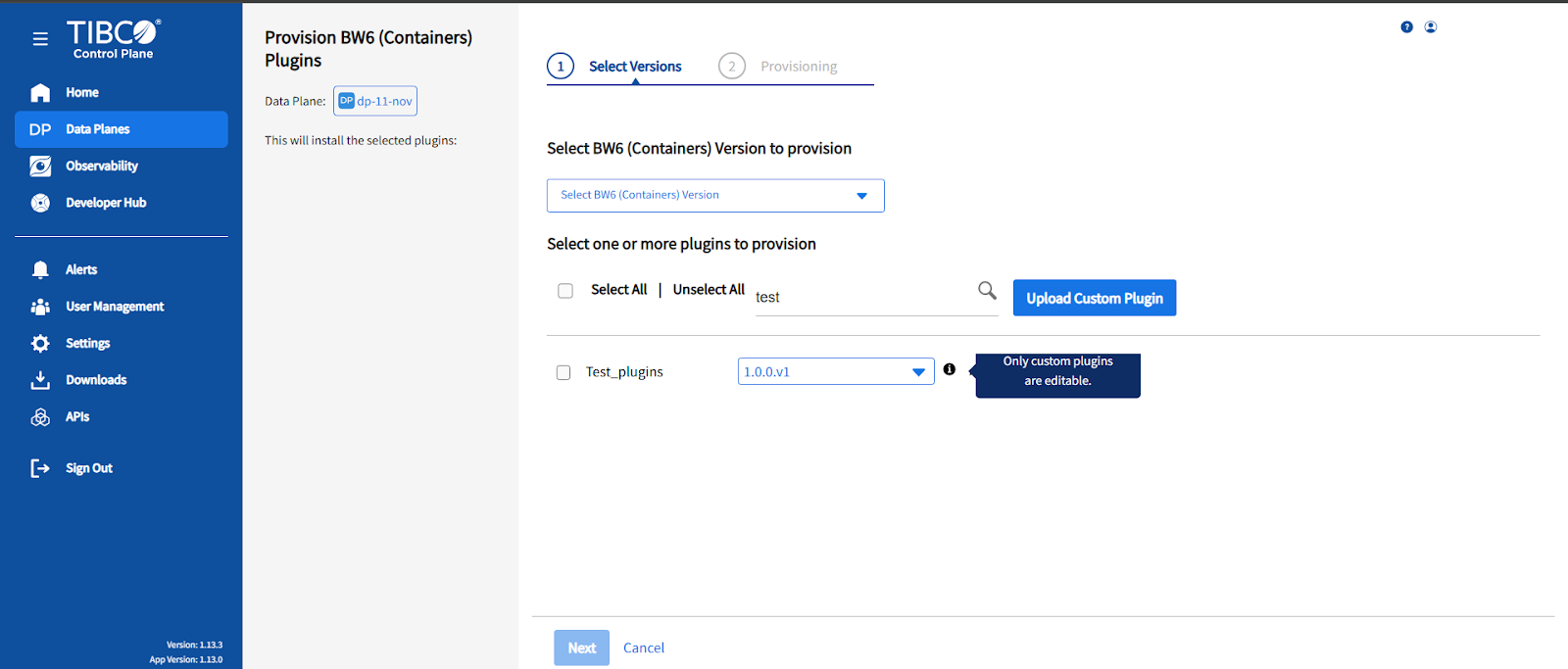
This installs TIBCO BusinessWorks6 (Containers) capability and the supported plug-ins for the specific TIBCO BusinessWorks6 (Containers) version.
- Procedure
- From the Select BW6 (Containers) Version to provision dropdown, select the TIBCO BusinessWorks6 (Containers) version.
- Select the list of plug-ins to be provisioned from the Select one or more plugins to provision option. You can select and clear all the plug-ins at once by checking the Select All or Unselect All checkbox. You can also search the plug-ins in the Filter Plugins search.Note: The BW Plugin for HL7 provisioning can fail because of large image sizes. Provision HL7 plugins sequentially. Do not provision HL7 plugins in parallel.
- Click Next.
Uploading Custom Plugins
You can upload and manage your custom plugins using the Upload Custom Plugin option.
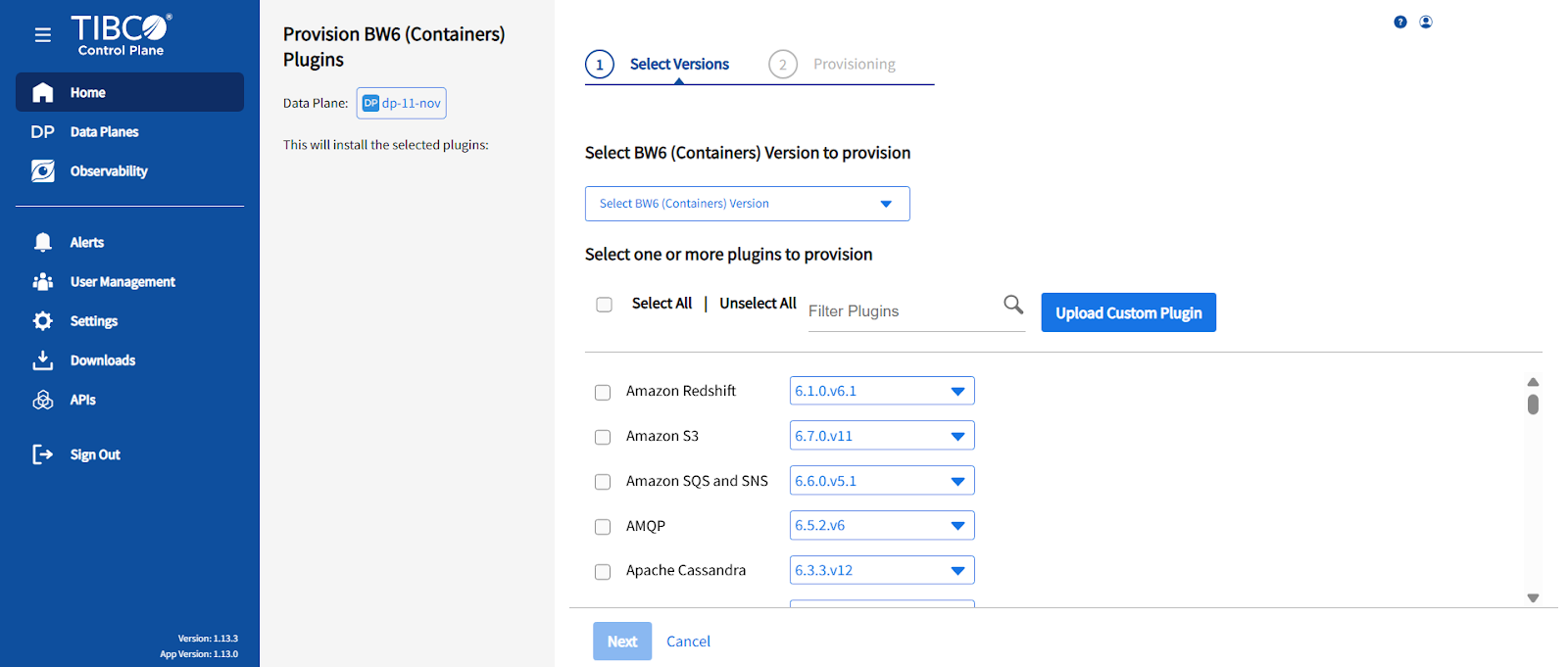
For example, when you have created different plugins by using PDK and you want to manage it as a single plugin on platform, you can do so using the Upload Custom Plugin option. Following are the fields you view on clicking Upload Custom Plugin.
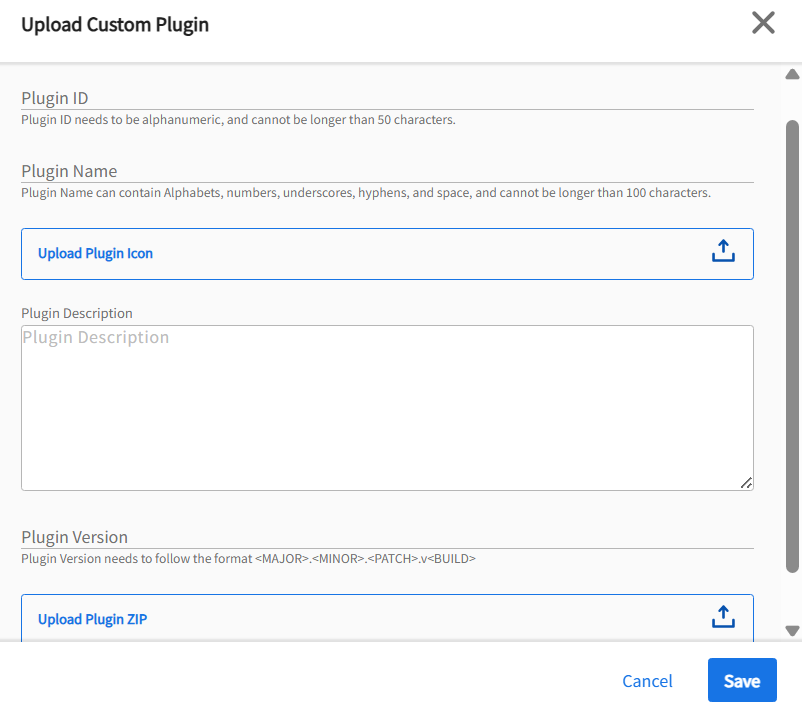
- Plugin ID: It must be alphanumeric and cannot be longer than 50 characters.
- Plugin Name: It can contain alphabets, numbers, underscores, hyphens, spaces, and cannot be longer than 100 characters.
- Upload Plugin Icon: You must upload a Plugin Icon.
- Plugin Description: Add a suitable description for your plugin.
Plugin Version: It must follow the format: <MAJOR><MINOR><PATCH><BUILD>
- Upload Plugin ZIP: It contains a lib folder and runtime folder required to run the plugin.
Click Save to upload the plugin. You can view it in the list of plugins on saving it successfully.
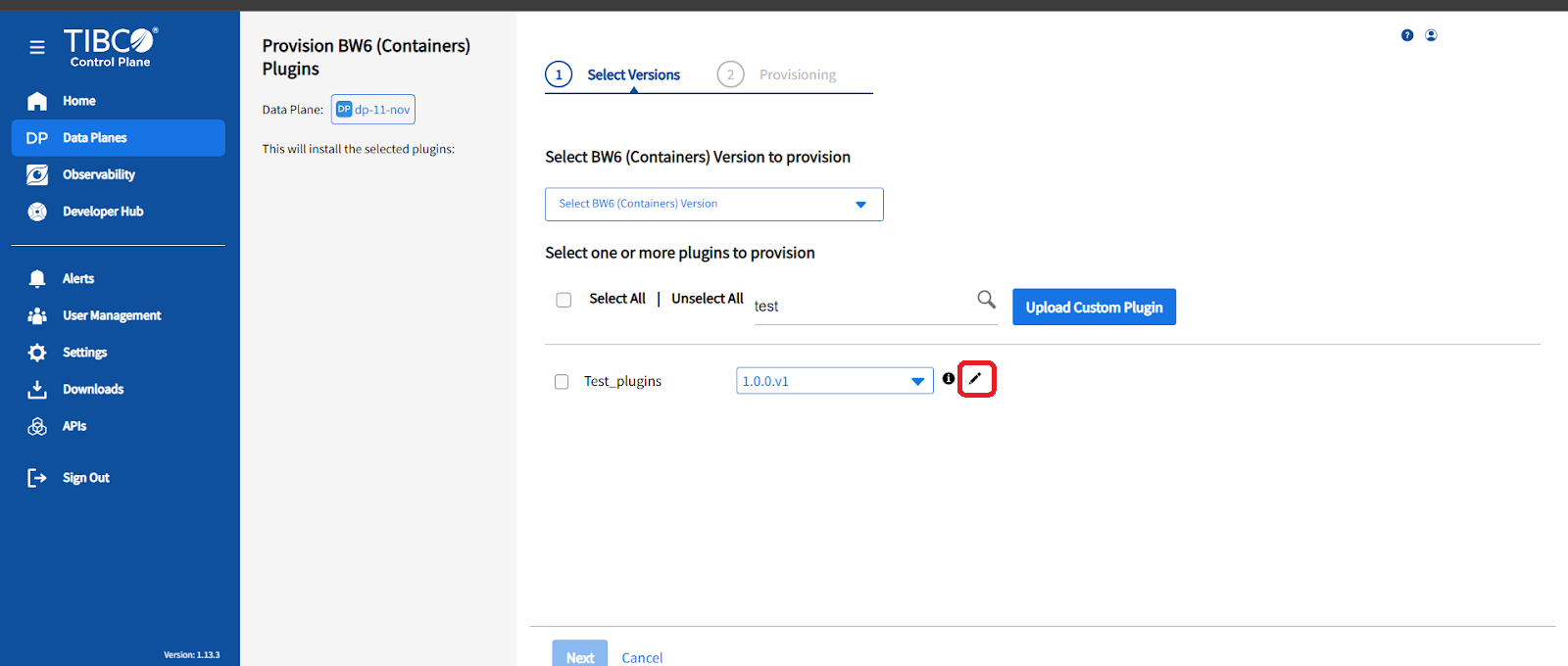
You can edit or delete the plugin, as required.