Viewing Environmental Controls
This section contains the Application and Engine variables. To view and change these variables, follow the below steps:
- Procedure
- Log in to Control Plane and navigate to the Data Plane details page.
- On the Applications tab, click a running Flogo app from the listed apps.
-
Click the Environmental Controls tab.
Application Variables
This section lists the application variables that are user-defined. You need to click Push Updates after modifying the values.
Engine Variables
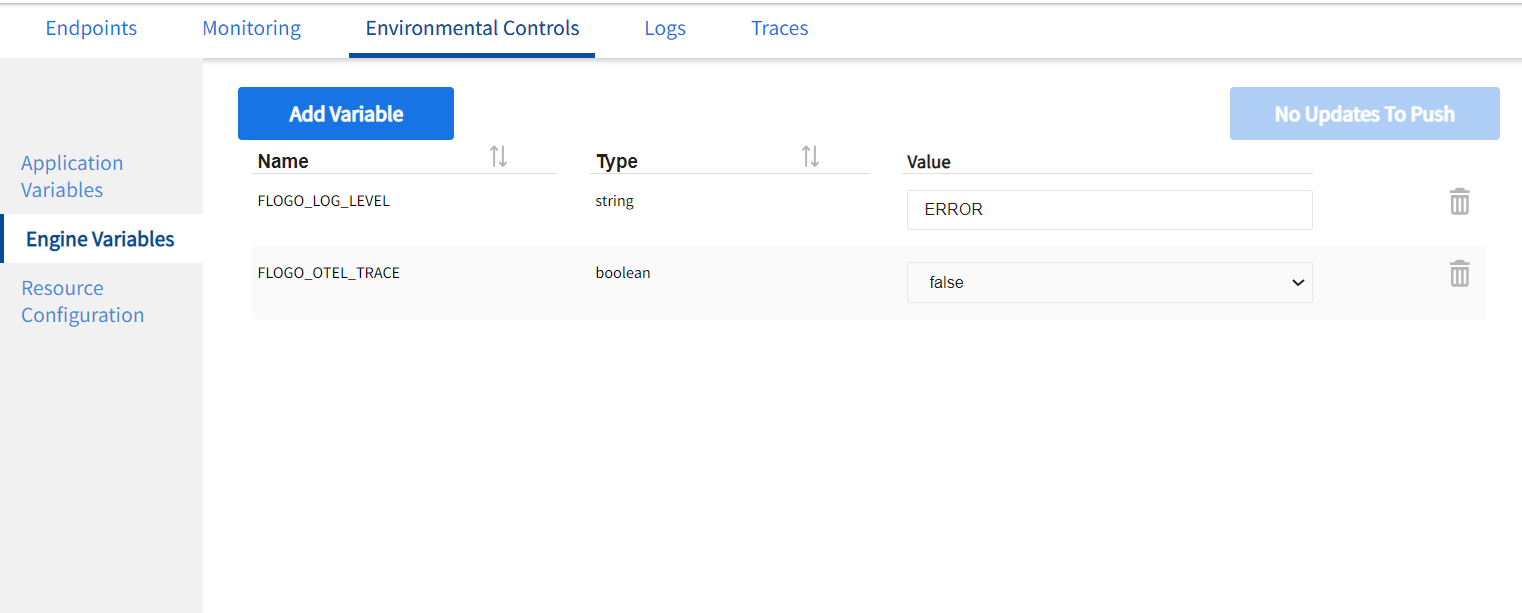
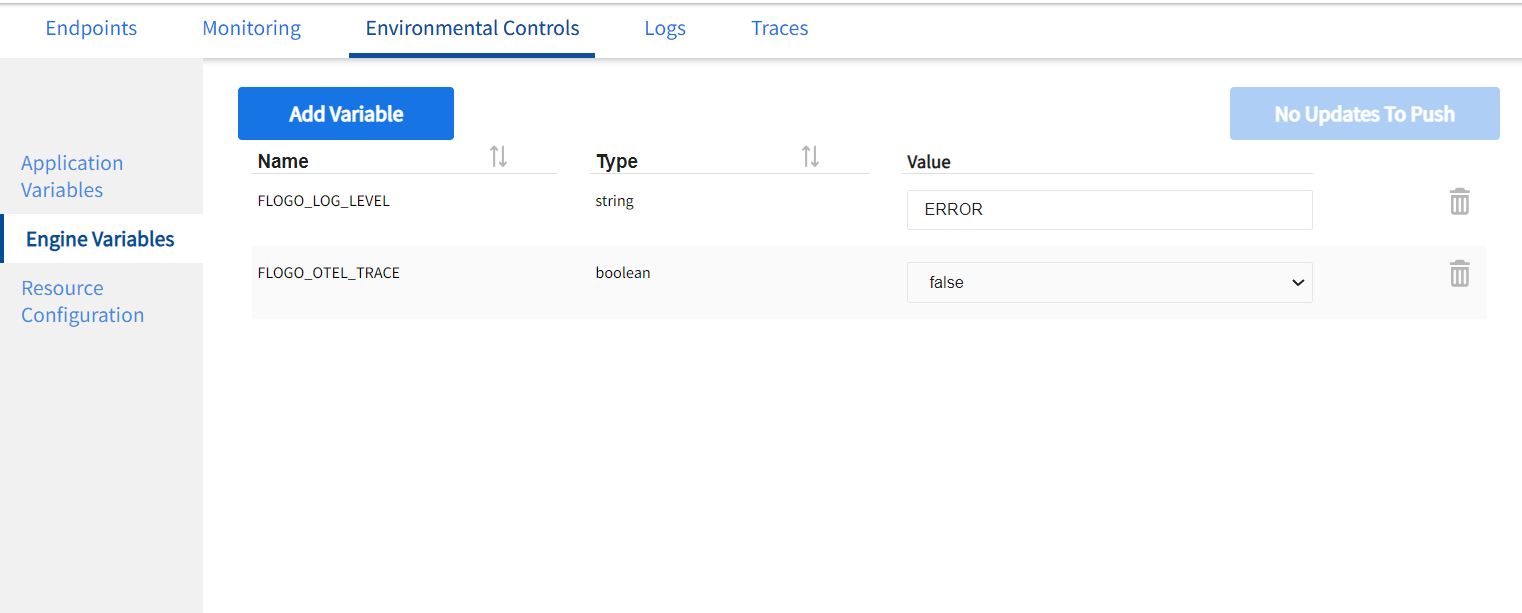
This section lists the engine variables that are associated with the Flogo runtime environment. You can add, modify, or delete. You need to click Push Updates after modifying the values. The variables visible under the Engine Variables tab are FLOGO_LOG_LEVEL and FLOGO_OTEL_TRACE, you can add the rest of the variables as per your requirement.
| Name | Type | Description |
|---|---|---|
| FLOGO_LOG_LEVEL | String |
Used to set a log level for the Flogo app. Supported values are INFO, DEBUG, WARN, and ERROR. Default value: ERROR |
| FLOGO_OTEL_TRACE | Boolean |
When FLOGO_OTEL_TRACE is set to true, OpenTelemetry tracing is enabled for the flogo app. When FLOGO_OTEL_TRACE is set to false, OpenTelemetry tracing is not enabled for the flogo app. Default: false |
| FLOGO_RUNNER_QUEUE_SIZE | Integer |
The maximum number of events from all triggers that can be queued by the app engine. The default value is 50. |
| FLOGO_RUNNER_WORKERS | Integer |
The maximum number of concurrent events that can be executed by the app engine from the queue. The default value is 5. |
| FLOGO_FLOW_CONTROL_EVENTS | Boolean |
If you set |
| FLOGO_MAX_STEP_COUNT | Integer |
The application stops processing requests once the |
| FLOGO_APP_PROP_RECONFIGURE | Boolean | The engine variable FLOGO_APP_PROP_RECONFIGURE should be set to true for updating an app configuration on runtime without restarting the app instance. |
| FLOGO_APP_PROPS_AWS | String |
You can override application properties of an application in the AWS Parameter Store on runtime using a JSON string in the |
| FLOGO_APP_PROPS_CONSUL | String |
You can override application properties of an application in the CONSUL on runtime using a JSON string in the |
| FLOGO_APP_PROP_SNAPSHOTS | Boolean |
When you dynamically override the app properties while the flow is being executed, it takes the values from snapshot if this variable |
Resource Configuration
Resource Allocation for Deployed Applications:
-
Previously Deployed Apps: If you've already deployed an application using an older version, you can now reconfigure its resource allocation to optimize performance. These applications would have had a default resource allocation set at the time of deployment.
-
Flexibility for All Deployed Apps: Users can modify the resource allocation for any deployed application, regardless of whether it's newly created or an older version. This allows you to fine-tune resource usage and ensure your applications have the resources they need to run smoothly.