Creating a New Component Using the Template
You can create a component and its documentation using the registered or already available scaffolding templates.
- Procedure
-
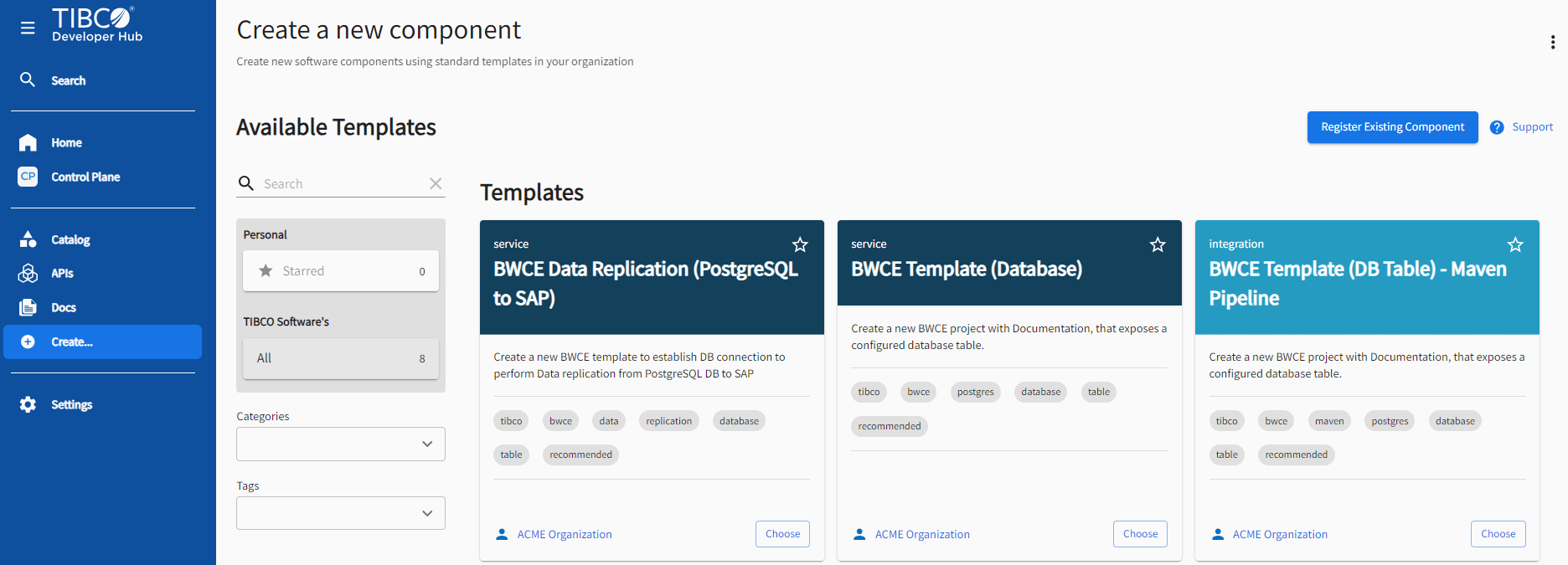
To use the template, go to Create. You can also navigate this Create a New Component option from the Catalog page and the Home page.
-
Click Choose on the template you want to use.
-
Enter the form details and click Create. These questions differ based on the template that you choose.
-
After completing the questionnaire, the template runs according to the selected actions, build a source repository, and make the template entry in the developer hub. To view all the details of the registered component in the catalog, click Open in Catalog.
Additionally, refer to Backstage Documentation to learn more about creating a component using the template.