Upgrading Infrastructure Components
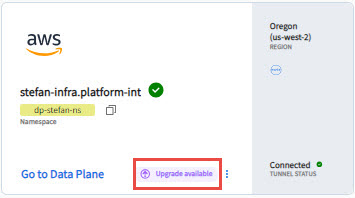
When a new version of infrastructure components is available, you can see the Upgrade available message on the data plane card. You must do the upgrade to use the latest features. It is a best practice to have infrastructure components on the latest version to ensure that all capabilities and services are running without any issues.
Most of the infrastructure components can be upgraded by using the TIBCO Control Plane UI, but some infrastructure components must be upgraded by running helm commands in the registered cluster. You do not lose any data in the upgrade.
- You must have Data plane Manager permission and Capability Manager permission. For more information, see Permissions.
-
You must have Helm version 3.14.0 or later installed.
- Procedure
-
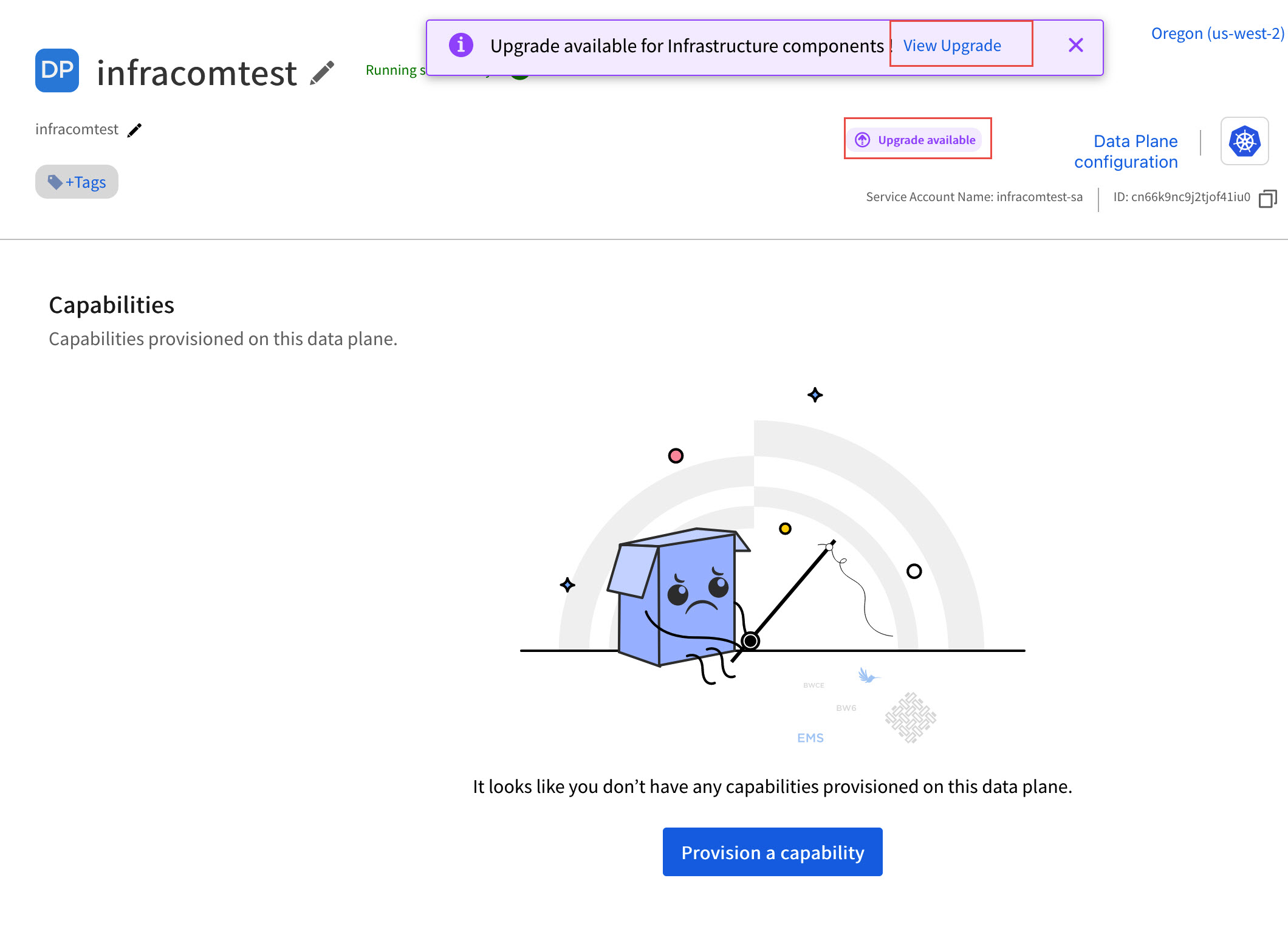
On the data plane card, click Upgrade available. Alternatively, on the data plane details page, you can see Upgrade available pop-up and button in the top pane.
-
On the Infrastructure Components tab, helm command to upgrade either of
dp-configure-namespaceordp-core-infrastructurecharts is displayed. Copy and run the command in your Kubernetes cluster.If only
dp-configure-namespaceis available for upgrade then helm command fordp-configure-namespaceis only displayed, ifdp-core-infrastructureis available for upgrade then helm upgrade command for it is displayed and if both are available for upgrade then both the commands are displayed. You must havedp-core-infrastructurechart version 1.1.8 or later to view both commands.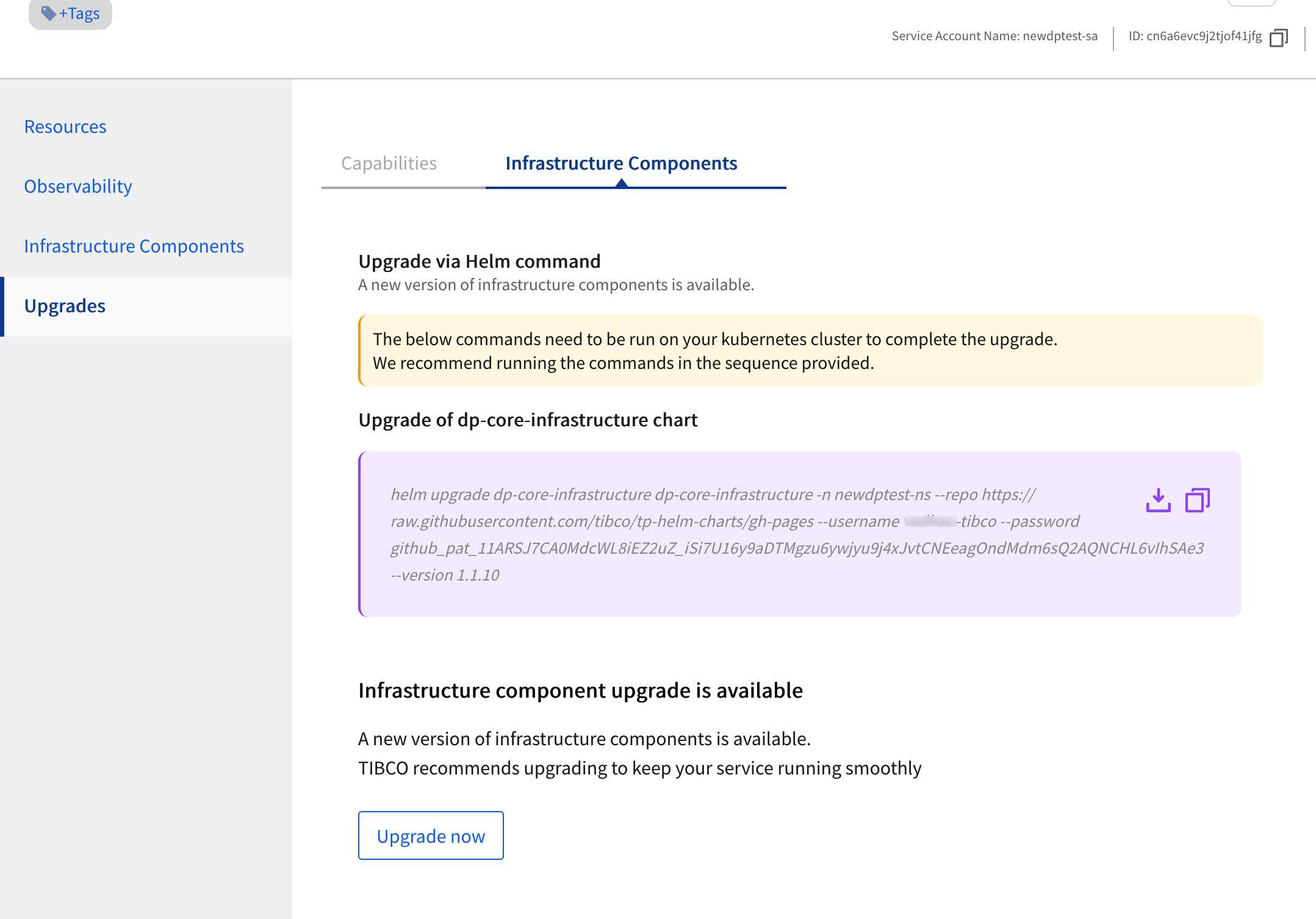
- Click Upgrade now. It takes some time to upgrade the infrastructure components.
When upgrade is successful and all components are up to date, you can see the message that 'Infrastructure components are up to date’.
If any infrastructure component fails to upgrade, the upgrade failure message is displayed. If upgrade fails, the failed component’s helm chart is in the failed state, but no existing functionality of data plane or capability is affected. The infrastructure components are available for upgrade again.