Adding Multiple Dashboards
In TIBCO Control Plane, you can create multiple Observability dashboards. Control Plane provides a default dashboard. You can add more dashboards as per your needs.
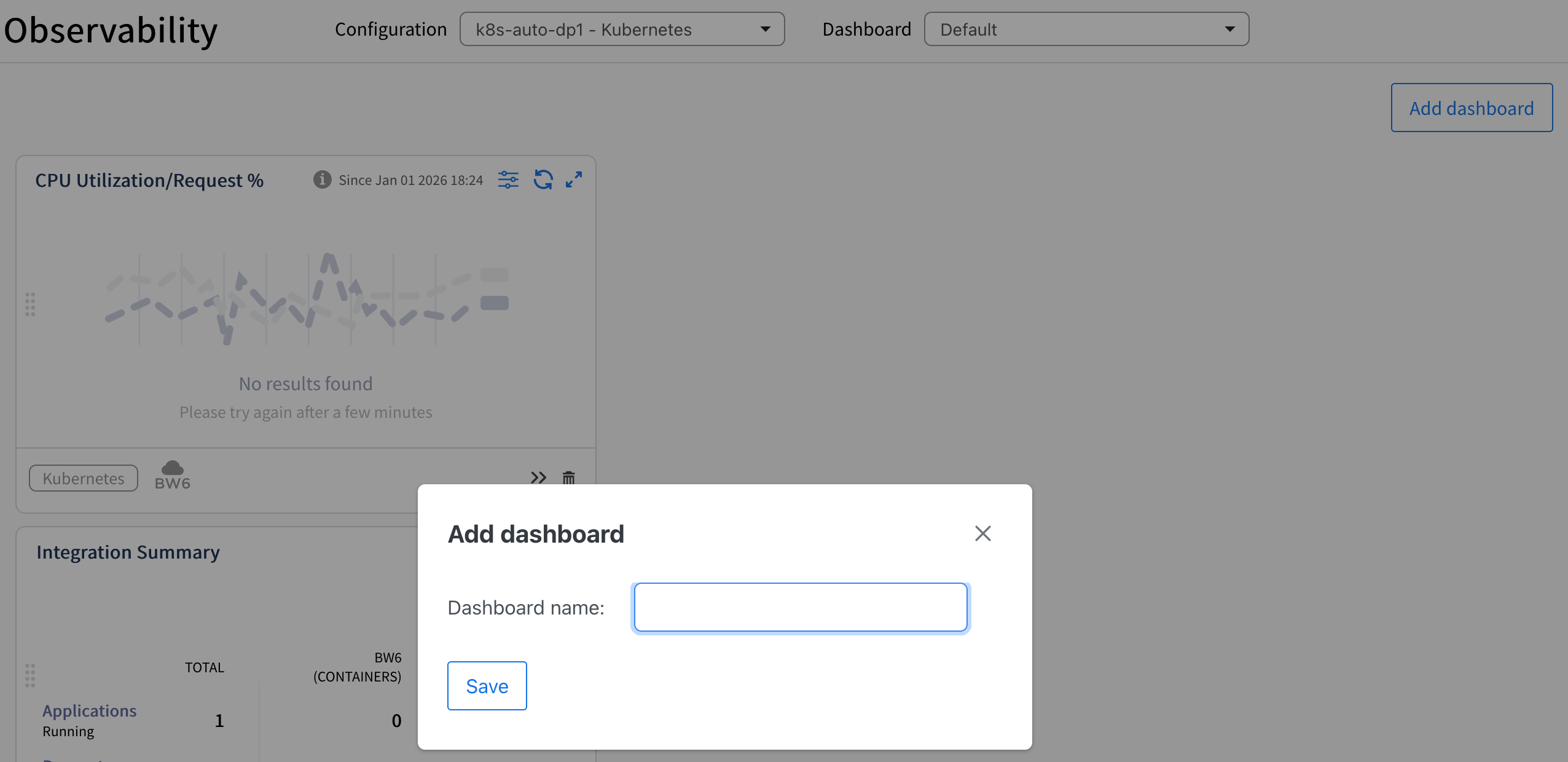
To add a dashboard, on the Observability page, click Add dashboard button. Specify unique name for the dashboard and click Save.
You can add cards on newly created dashboard. You can switch between different dashboards from the dropdown at the top. To delete a dashboard, click delete icon next to dashboard in the dropdown.