Business Activities
The Business Activities card provides enhanced capabilities for tracing and monitoring business processes across multiple applications. This enables you to gain visibility into complex business activities, such as "purchase order processing," by tracing their flow across different applications within your environment. Business Process describes the chain of successive and chronological events that need to be recorded. For example: an Order process, a Trade process, a Claim process, an Invoicing process, a Payment process, and so on. This functionality is enabled through a TIBCO Flogo® Connector for TIBCO® AuditSafe.
- You must have deployed and set up TIBCO Flogo® Connector for TIBCO® AuditSafe. For more information, see TIBCO Flogo® Extension for Visual Studio Code documentation.
- Configure the Business Activities fields in the Observability resource.
To add Business Activities card on the Observability dashboard, click Add Card button in the top-right corner and select Business Activities card from the General section.
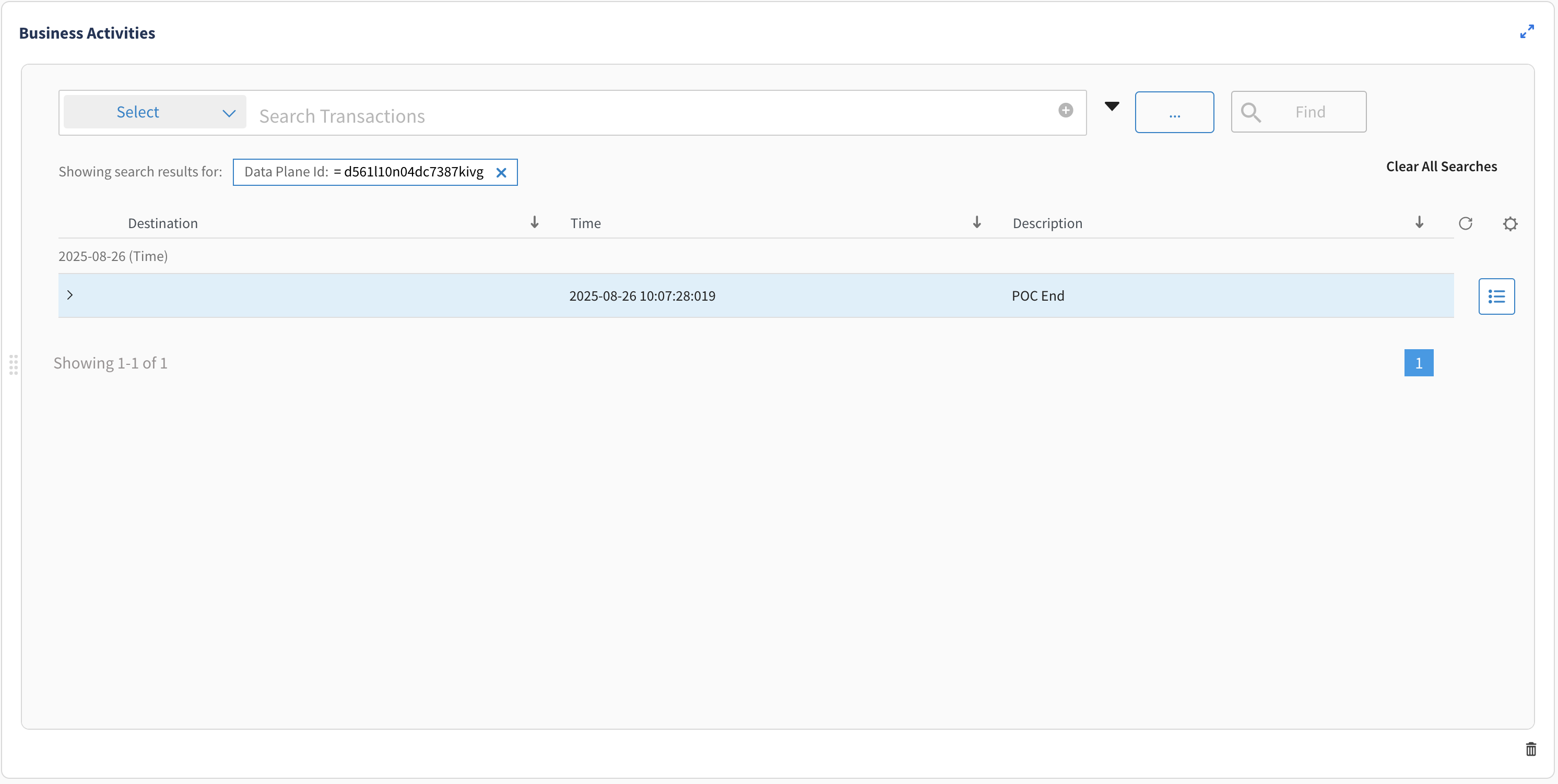
Accessing the Business Activities tab from a Card Details Page
On a card details page, click Business Activities tab to view the business processes data for the app list.
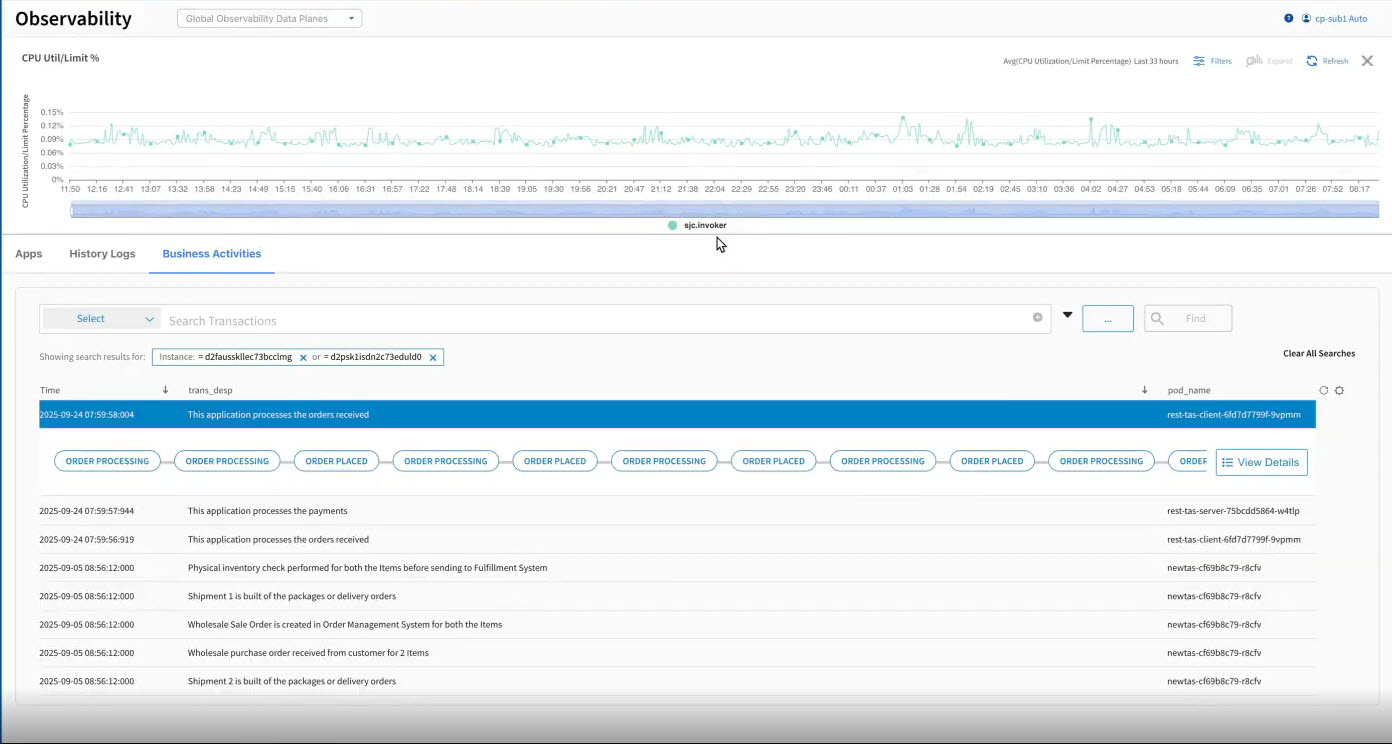
From the Business Activities tab you can:
-
View Transaction Details.
-
Change the column view from the Settings dialog.
-
Search for transactions using filters.
-
Save Search Criteria
Accessing the Business Activities tab from the Application Details Page
On the application details page, click Business Activities tab to view the business processes data for an application.