Applying a custom expression
You can create your own expression using various mathematical and logical functions, and apply it directly on an axis in a visualization.
About this task
Note: Custom expressions can be applied to axes at
many different places, for example, X-axes, Y-axes, color axes, size axes, and
shape axes. This can be done either directly in a visualization or from the
visualization properties.
Procedure
-
Right-click the column selector for the axis where you want to
use an expression of your own.
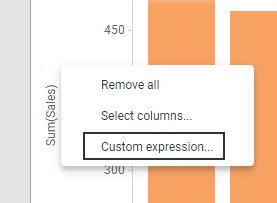
-
In the menu, select
Custom expression.
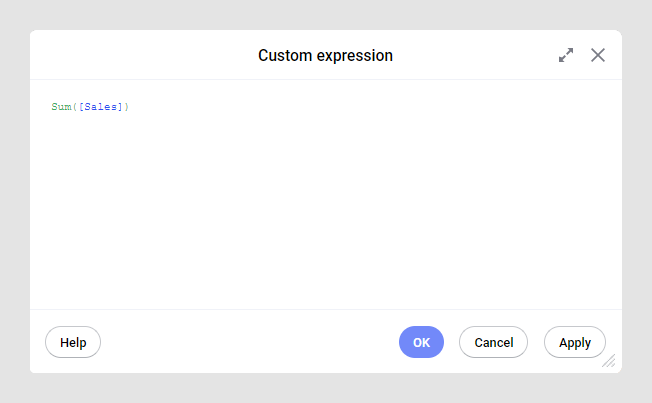
The Custom expression dialog is shown. Note that the custom expression dialog in the installed client has more functionality than the dialog in the web client.
Results
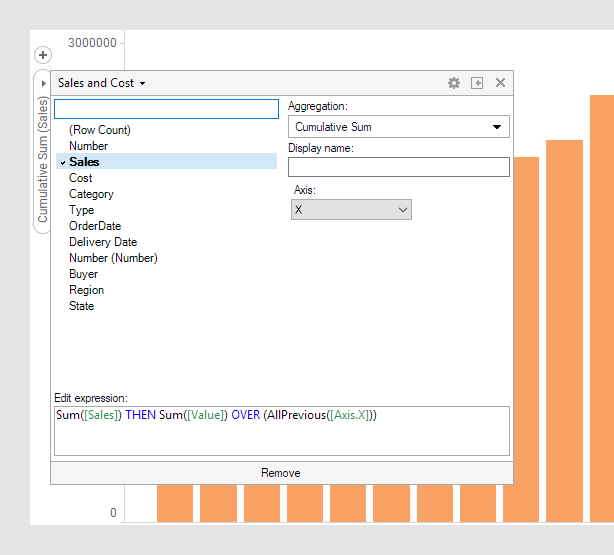
Tip: In the installed client, you can also type expressions
directly in the expanded column selector: