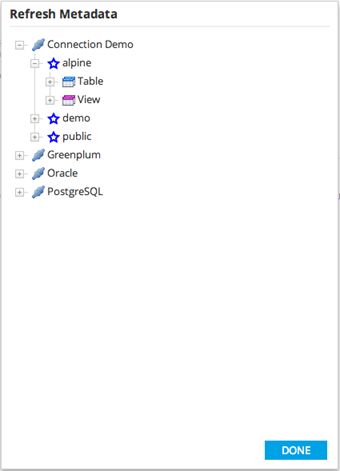
Refresh Metadata
Use the Refresh Metadata command to manually refresh the metadata for a database connection.
Before you beginTo access the Actions menu, you must have a workflow open on the workflow canvas.
- Procedure
- From the Actions drop-down menu, click Refresh Metadata.
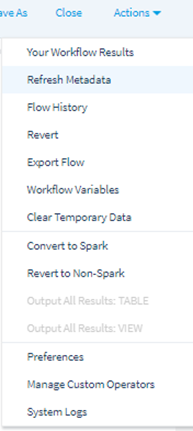
ResultThe Refresh Metadata dialog is displayed.
- To reload the metadata to the next level of the tree, right-click a connection and choose refresh.
- To view more specific components of the connection, expand the tree.
- To refresh the metadata for specific components (for example, all tables or a specific table), right-click and choose refresh on child nodes