Selecting Multiple Operators
You can select more than one operator at a time.
Start in the workflow editor.
Before you begin You must have more than one operator in the workflow editor.
- Procedure
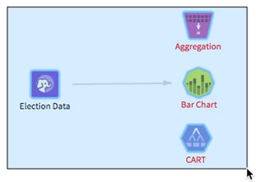
- Click and drag a "lasso" around the desired operators.
The selected operators are highlighted.
 Note: You can also select multiple operators using the Control key (on Windows or Linux) or the Command key (on Mac OS X).
 - On your keyboard, press Delete.