Importing Data into a Workspace’s Sandbox
When you create a sandbox, all of the datasets or tables in the named schema are automatically added to the sandbox. They appear in the dataset list under the workspace data tab as sandbox datasets. You can also import data manually.
Manually Importing External Files
Perform the following steps for importing the external files:
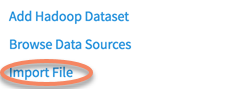
Choose Import File.
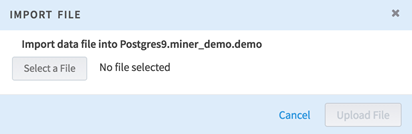
A dialog for adding a file from your system is displayed.
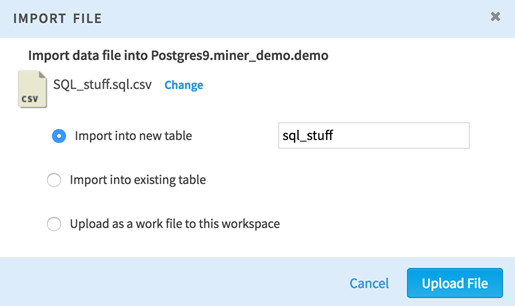
After selecting a file, you can choose where to place it.
- Import into new table: Choose a name for the new table. This table is created in your sandbox schema.
- Import into existing table: Choose
Select destination table to choose a location for the new dataset.
- Use Truncate table before importing if you have an auto-increment column that needs to be reset before importing.
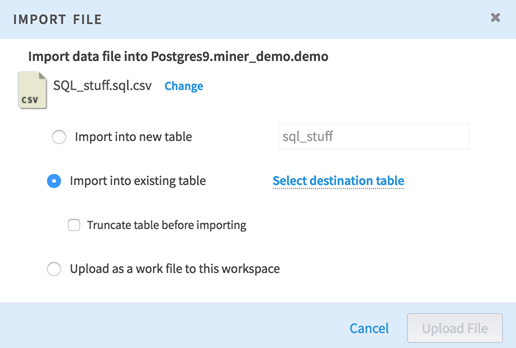
- Use Upload as a work file to this workspace to upload this file as a regular work file to the workspace. It is not associated with the sandbox schema.
Subtopics