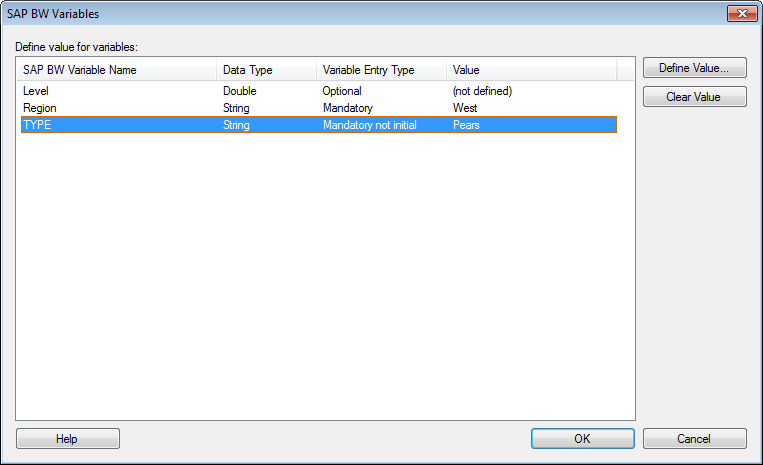
This dialog is shown if you select a BEx query with variables in the SAP BW Connection dialog. It is used to limit the data to be analyzed by specifying which data is of interest for each variable.
Option |
Description |
Define
value for variables |
Lists all variables in the selected BEx query. You can double-click on each variable to open the dialog where you can select a value for the variable. You must define a value for all variables that are listed as required. If a variable is listed as 'Mandatory', you must define a value for that variable if no default value has been defined already. If a variable is listed as 'Mandatory not initial' on the other hand, then you must always define a value for it. |
Define Value... |
Opens the dialog where you can specify the value of interest for the selected variable. |
Clear Value... |
Clears the defined value for the selected variable. |
See also: