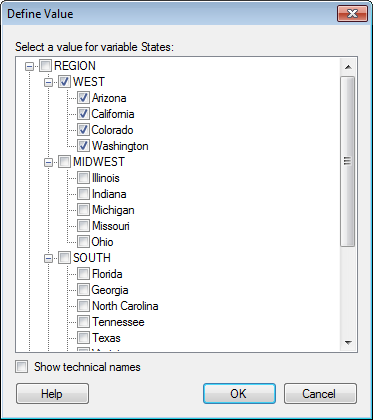
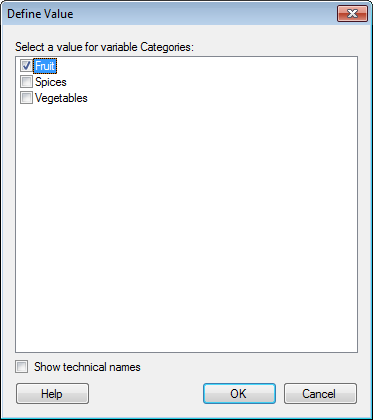
This dialog is used to specify a value for a BEx query variable. The appearance of the dialog depends on the type of variable you have selected, but a few examples are shown below:
Option |
Description |
Select a value for variable [variable name] |
Click to select the value of interest for the specified variable. This will filter the retrieved data so that only data relevant to your selection will be seen in Spotfire. |
Show
technical names |
Select this check box to see the names as they appear in the cube. |
Option |
Description |
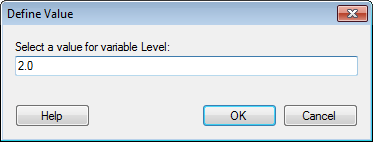
Select a value for variable [variable name] |
Type a numeric value of interest for the specified variable. This will filter the retrieved data so that only data relevant to your selection will be seen in Spotfire. |
Show
technical names |
Select this check box to see the names as they appear in the cube. |
Option |
Description |
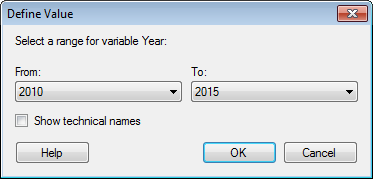
Select a range for variable [variable name] |
Select the 'To' and 'From' values of interest in the drop-down lists. This will filter the retrieved data so that only data relevant to your selection will be seen in Spotfire. |
Show
technical names |
Select this check box to see the names as they appear in the cube. |
See also: