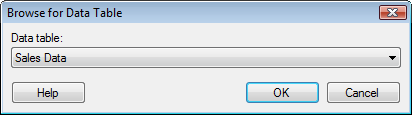
This dialog is shown when you have selected to add a data table or additional columns or rows from an existing data table, and you have more than one data table available in the analysis.
Select the data table from which you wish to add or replace data using the drop-down list.
See also: