In the Bookmarks panel, click
on the Create New Folder button,  .
.
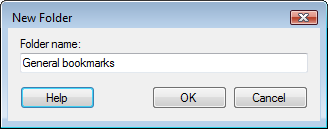
Response: The New Folder dialog is displayed.
Type a name for the new folder.
Comment: You can rename a previously created folder by right-clicking on it in the bookmark panel and selecting Edit... from the pop-up menu.