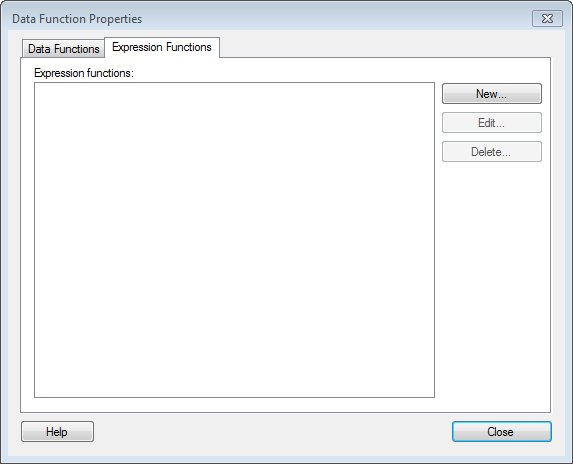
By defining an expression function, you can save and reuse a TIBCO Enterprise Runtime for R script within all kinds of custom expressions in the analysis.
To reach the Data Function Properties dialog:
Select Edit > Data Function Properties (G) and click on the Expression Functions tab.
Option |
Description |
Expression functions |
Lists all expression functions. |
New |
Allows you to create a new expression function. |
Edit |
Allows you to edit any previously created expression function. |
Delete |
Deletes the selected expression function. |
Close |
Closes the dialog. |
See also:
Details on Expression Functions