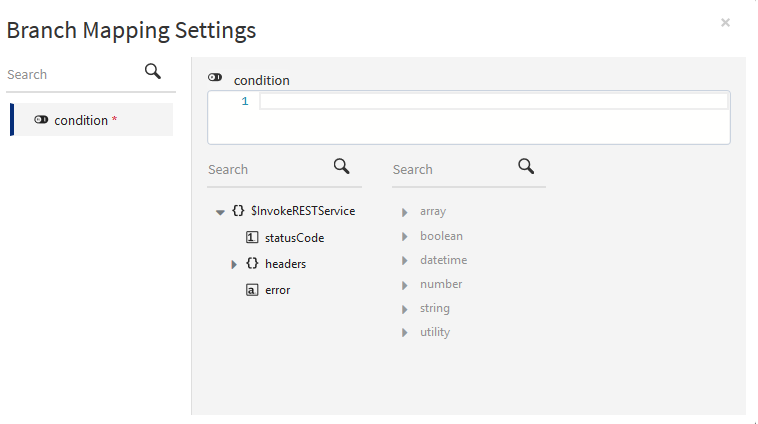
You can set conditions on a branch such that only if the condition is met the branch will execute.
To set conditions on a branch, follow these steps:
Procedure
Click anywhere on the branch angle.
The
Branch Mapping Settings dialog opens.
Click
condition.
The mapper is exposed to the right of the dialog. The functions that you can use to form the condition are shown under the right
Search text box.
Click a function to use it in the condition field.
The function is displayed in the
condition text box. Add any parameters to the function as required.
Click a field from the output of a preceding activity to use it. The output from preceding activities appears under the left
Search field in a tree structure format.
The condition return value must be of boolean type.