Getting Resource Details
You can get detailed information about any resource in the lineage graph. For example, for tables you can display the data types for each column. For views, you can view the SQL that defines the view.
You can tell the resource type by the icon next to its name.
To display resource details
| 1. | Open a lineage graph. |
| 2. | Optionally, select any resource in the lineage graph. |
| 3. | Click the Show Detail button. |
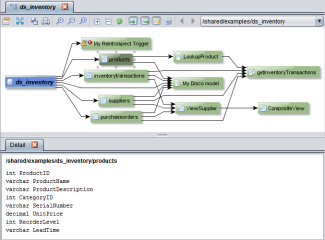
| 4. | Optionally, select a different resource to display its details in the same tab. |
The type of information displayed depends on the resource type:
|
Resource Type |
Details Provided |
|
Data source |
Resource path in TDV. |
|
Script |
Code that defines the script. |
|
Table |
Column data types. |
|
Transformation |
Code that defines the transformation. |
|
View |
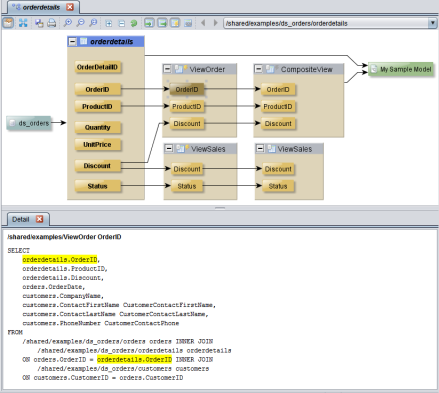
SQL that defines the view. A selected column is highlighted in yellow. |
For example, when you double-click a view to display its columns, the columns and their relationships are displayed and the Detail panel shows the SQL that defines the view. If you select a column, then the references to the column are highlighted in yellow as shown in this example: