Signing in to ibi WebFOCUS
You can open WebFOCUS from any web browser, using the address created during the installation. The sign-in page and default start page may be different depending on the configuration requirements of your organization.
To learn more about the installation process, see the ibi™ WebFOCUS® Installation and Configuration guide.
Open ibi WebFOCUS
- Procedure
- In your browser, go to the following page:
http[s]://hostname:port/ibi_appswhere:
hostname:portAre the host name and HTTP port of the web server or application server.
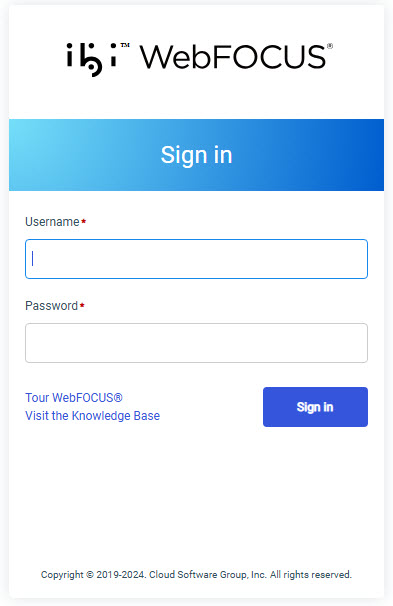
The default WebFOCUS Sign In page opens, as shown in the following image.
- Type your username and password.
- Click Sign in.
The ibi™ WebFOCUS® Hub loads and shows all the content that you are authorized to see.
Note: You can also reconfigure WebFOCUS to run the WebFOCUS Home Page, Legacy Home Page, or a custom welcome page after sign-in. This behavior is configured by setting the Redirect /ibi_apps to setting on the BI Portal page, in the Administration Console.