Procedure: How to Add Content to Favorites
- Right-click an item in the Home, Portals, or Workspaces area of the WebFOCUS start page, and then
click Add to Favorites.
Note: Standalone portal pages cannot be added as favorites. You can add them to collaborative portals, and then add collaborative portals as favorites.
- Navigate to the Home area by clicking the Home icon on the side navigation bar or by selecting Home from the hamburger menu.
The Favorites view is already selected and the item is displayed, as shown in the following image.
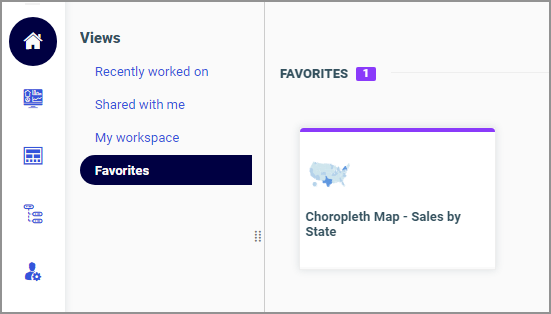 If you right-click the item, a shortcut menu of options opens. Here, you can do the following:
- Click Run or select a different way to run the item by pointing to Run....
- Click Edit or Edit with text editor to edit the item in the appropriate tool or text editor.
- Click Remove favorite to remove the item from Favorites.
- Click Properties to open the Properties panel, and edit the properties of the item.