Downloading Application Configuration
After the application configuration is completed, you can download the application configuration as a .zip file from the Download Configuration tab.
- Procedure
-
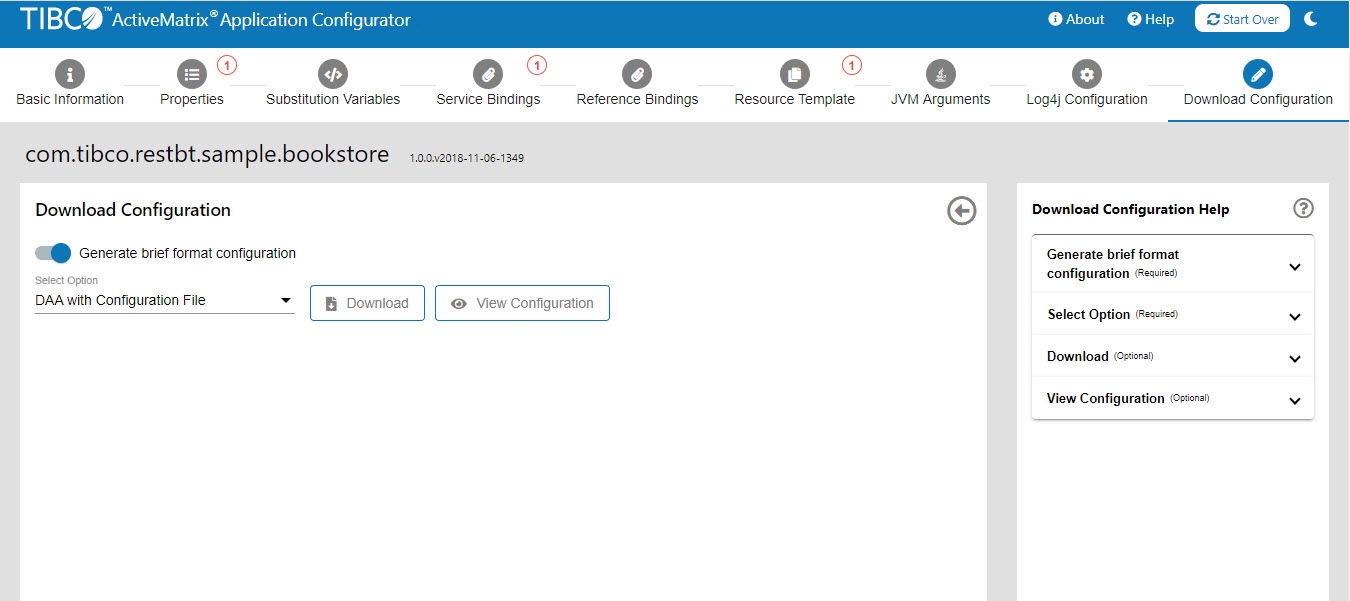
Click the Download Configuration tab.
-
Use the toggle to generate configuration in
fullorbriefformat.-
In the
fullformat, all available fields of each entity are provided in the configuration file, though some of the fields may have a null value. -
In the
briefformat, only the required fields and the fields, which are different from the default values are provided in the configuration file.
-
-
(Optional) Verify the configuration before downloading it by clicking View Configuration. The format of the generated configuration is
fullorbriefdepending on the option you have selected in the previous step.Note: If you click View Configuration and save the configuration file from the browser, the file is saved with the underscore (_) instead of dot (.) in the application name. For example, if application name iscom.tibco.sample.bookstore, then the file is saved with the namecom_tibco_sample_bookstore. - Select one of the following options from the drop-down list:
- DAA with Configuration File: The downloaded
.zipfile contains application DAA, YAML file, JVM configuration (YAML), and Log4j configuration file. - Only Configuration File: The downloaded
.zipfile contains only configuration YAML file, JVM configuration (YAML), and Log4j configuration file. - Only DAA: The downloaded
.zipfile contains only application DAA.
- DAA with Configuration File: The downloaded
- Click Download.
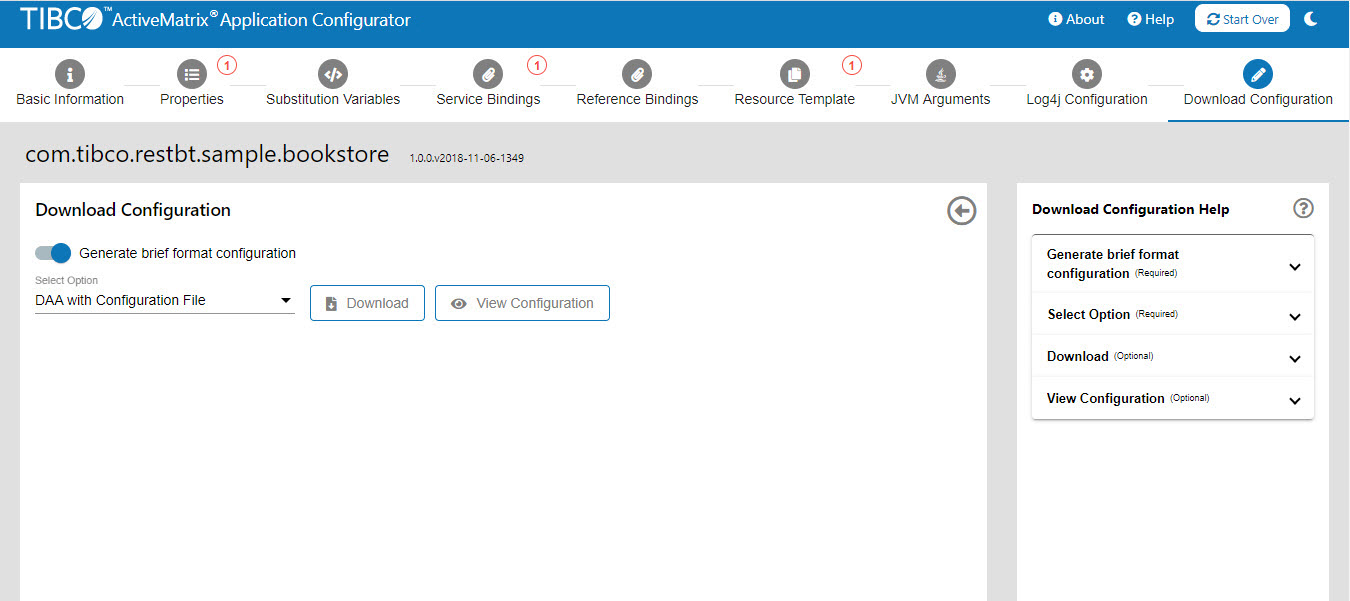
The .zip file containing configuration files is downloaded to your machine.
- The name of the
.zipfile is[Application name]_[Timestamp].zip. - The name of the application configuration YAML file that is downloaded is
<Application Name>.config.yaml. -
The name of the Log4j configuration file that is downloaded is
node-log4j.xml. -
The name of the node parameters file is
node_jvm_parameters.config.yaml.If you have uploaded the Log4j configuration file with any custom name, the downloaded Log4j file will benode-log4j.xml.
If you have set the default Log4j configuration and node JVM parameters for Application Configurator and do not modify them in the Application Configurator, then the default Log4j configuration file and node JVM parameters file are downloaded as part of the .zip file.
If you have uploaded the keystore files to Application Configurator, the .zip file contains "certs" folder with used keystore files.
.zip file.Committing Files to Git Repository
If you have initialized configuration from the Git repository, you can commit the files by using the Commit Files button. For more information, see Integrating with Git.