Replacing one node with another requires the following steps:
Migrate the partition definition from the node being taken out of service to the new node.
Disable the node being taken out of service.
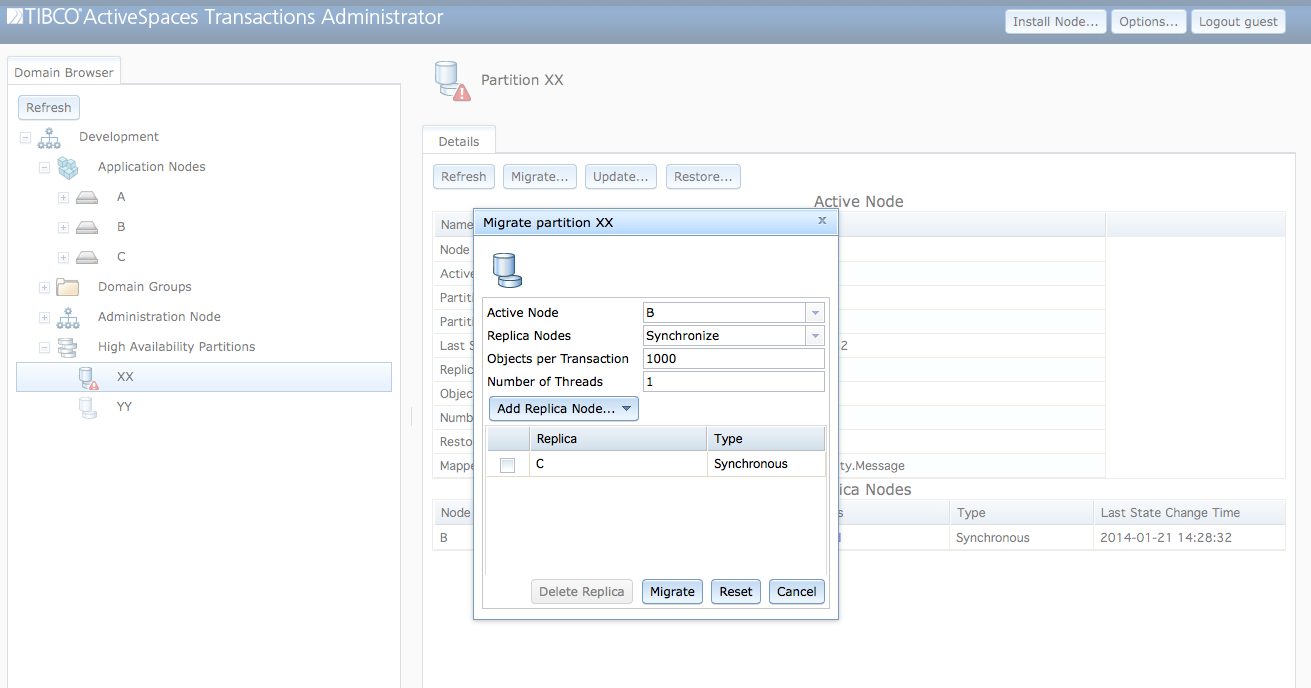
Figure 6.14, “Replacing a node” shows the migrate partition
dialog with node A replaced with node
C. When this dialog is submitted, all of the objects in
partition XX are migrated from node
A to node C, and the partition's new
active node is C.
This can also be accomplished with this command. This command must
be executed on the current active node for the partition - node
A in this example.
administrator servicename=A migrate partition name="XX" activenode=C replicas=B
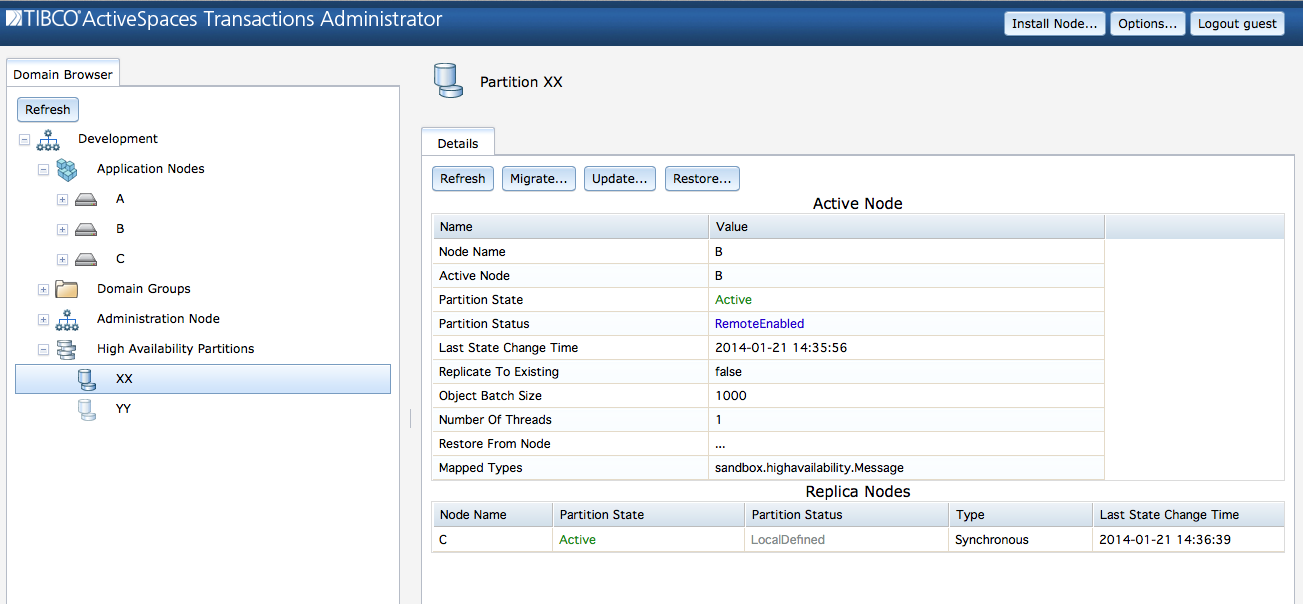
After the partition migration has completed, the partition has
successfully migrated from node A to node
C as seen in Figure 6.15, “Migrated partition”.
After the partition migration is successful, the node can be taking out of service as described in the section called “Removing a node from service”.